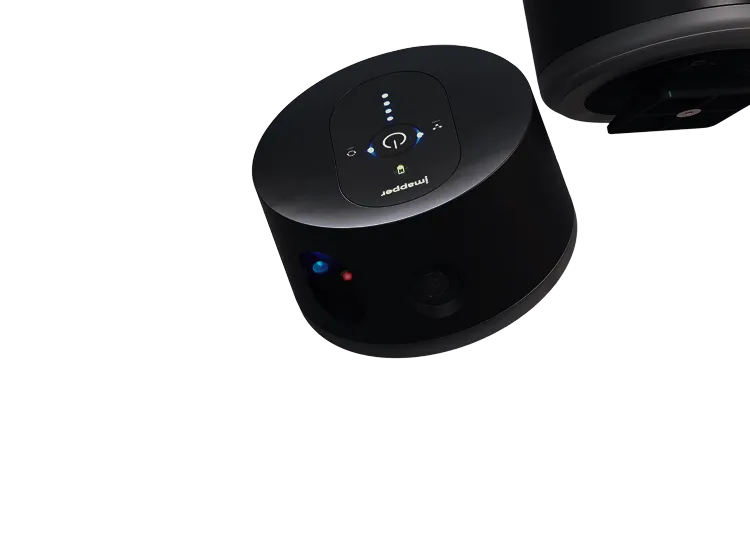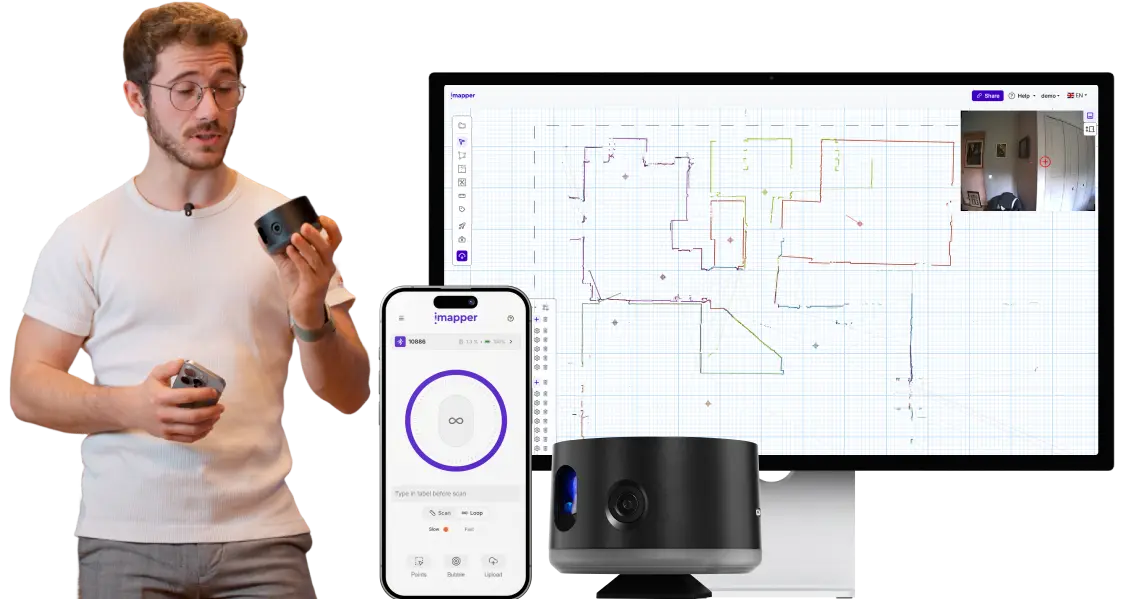
iMapper Virtual Event · June 3rd 3:00 PM ET

Scan with iMapper to get AutoCAD-ready files in one visit

See how to walk out of a site visit with a DXF ready to draft. With a professional ±0.08in accuracy tool, that takes 2 minutes per scan.

Claim your free spot for the live demo

Stop losing days to tape, paper and site revisits

Missing a measurement means going back

You spot the missing dimension three days later, in front of your screen. The site is 45 minutes away. Half a day gone for one number you forgot to write down.

You risk costly mistakes with manual tools

You survey the site by hand. Tape measure, point-and-shoot laser, sketches on paper. Back at the desk, you transcribe everything into AutoCAD. A 4-room project means hours of typing dimensions before you draft a single wall.

Point clouds without snap points

Most scanners drop a cloud of dots into AutoCAD. No geometry, no snap targets. You guess where corners are and your wall tool snaps to nothing.

Missing a measurement means going back

You spot the missing dimension three days later, in front of your screen. The site is 45 minutes away. Half a day gone for one number you forgot to write down.

You risk costly mistakes with manual tools

You survey the site by hand. Tape measure, point-and-shoot laser, sketches on paper. Back at the desk, you transcribe everything into AutoCAD. A 4-room project means hours of typing dimensions before you draft a single wall.

Point clouds without snap points

Most scanners drop a cloud of dots into AutoCAD. No geometry, no snap targets. You guess where corners are and your wall tool snaps to nothing.

No items found.

STEP 1

Scan the space with one click

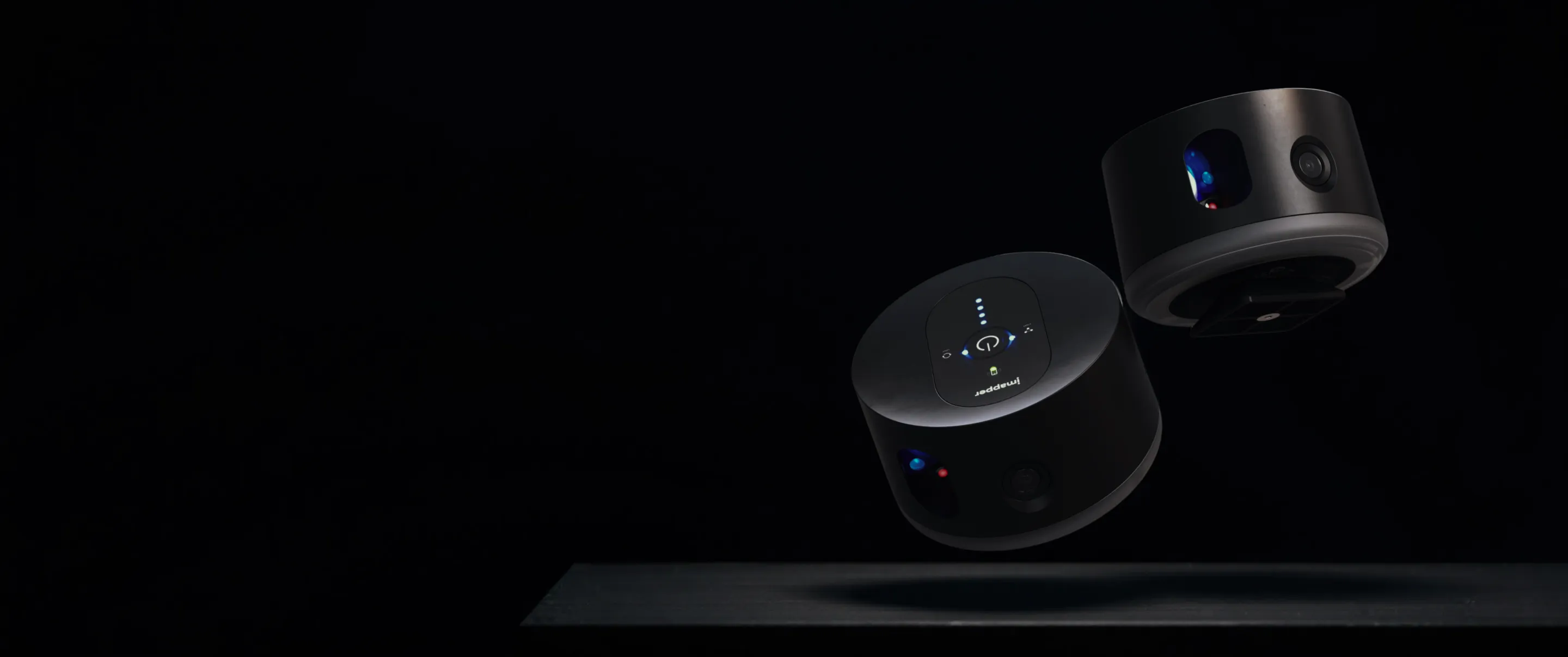
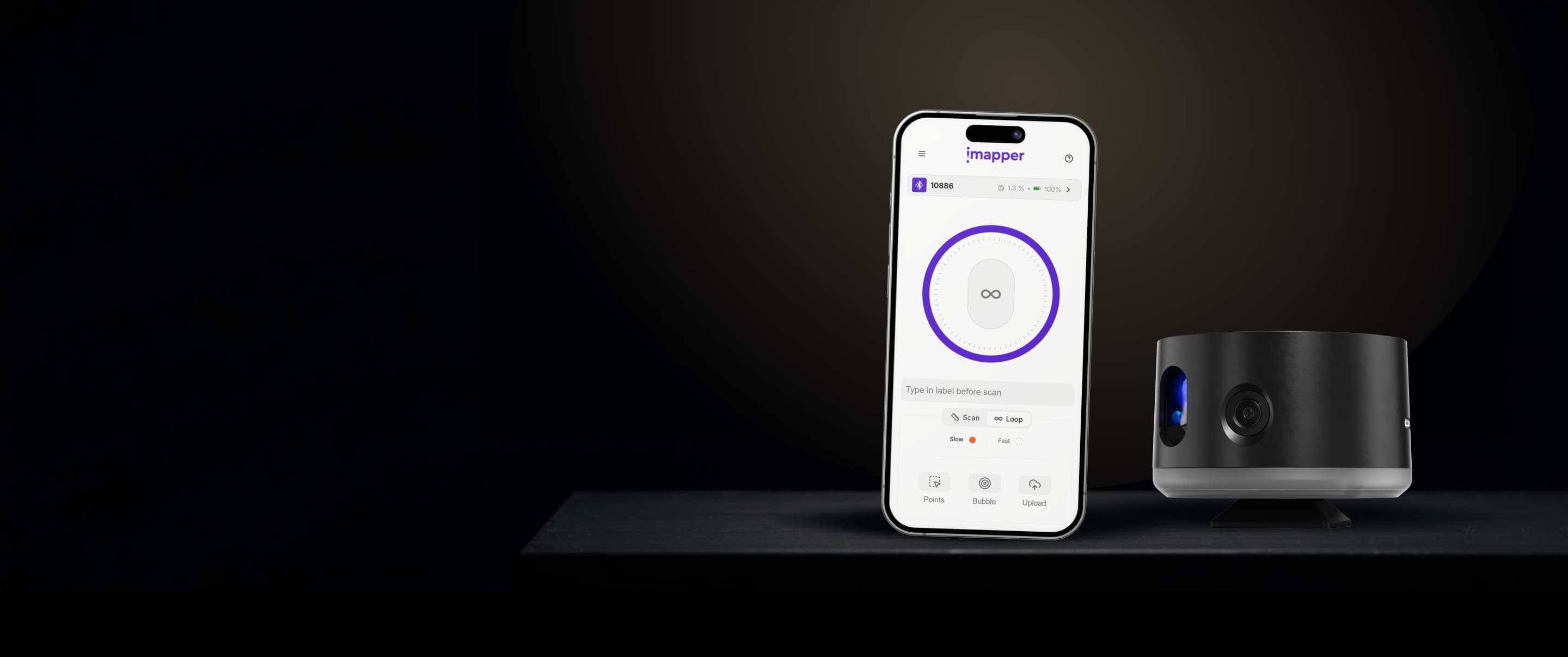
Place iMapper in the room and press once. Two minutes per scan. Talk to your client while it works.
STEP 2

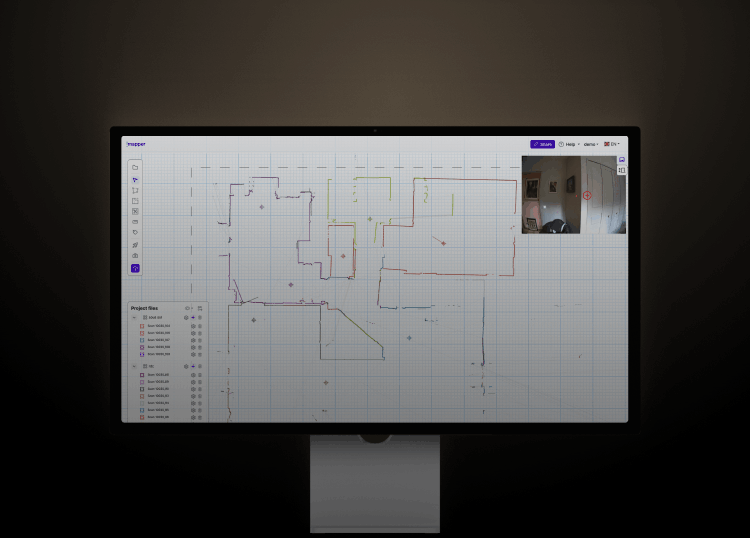
Automatic stitching of the point clouds

In the iMapper Platform, scans will automatically stitch together. You can then add polylines, doors and openings in few clicks, everything will be then shown on AutoCAD.
Automated Floor plan gets you AutoCAD-ready walls faster

The floor plan tool drafts your room in minutes. Snap walls onto a ±2mm (±0.08in) point cloud, place doors and windows in clicks, export an AutoCAD-native DXF

STEP 3

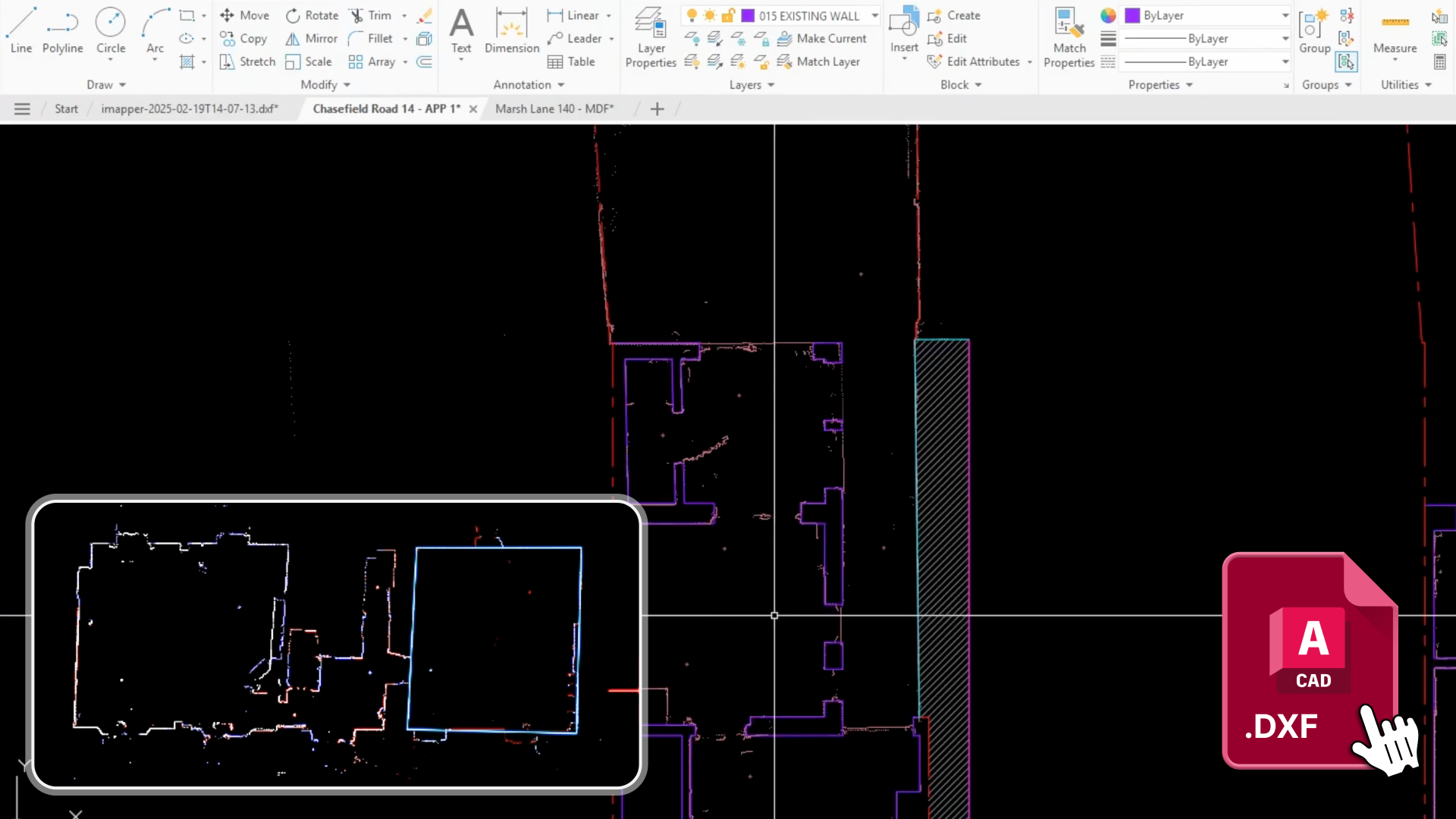
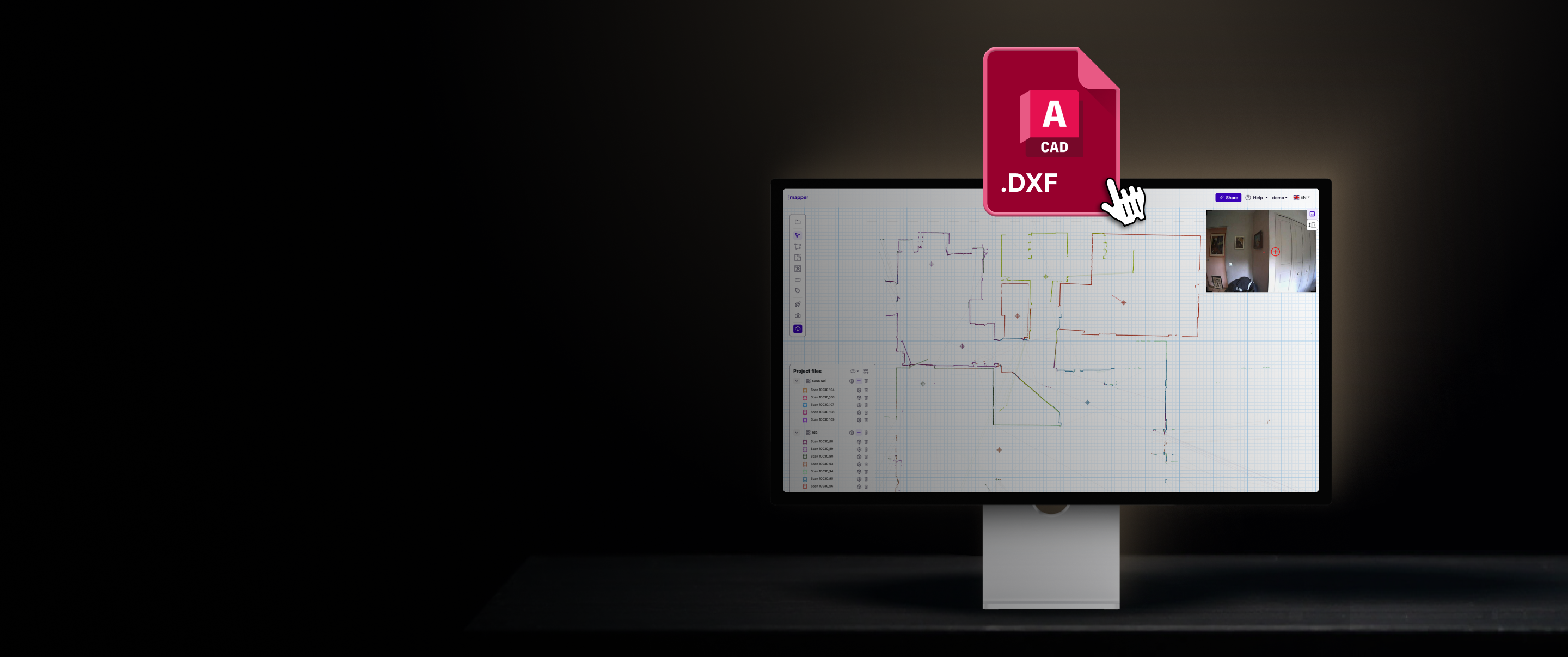
Export your DXF ready for AutoCAD

Export all the accurate dimensions in one click. Points, lines and walls are layered properly, so you can choose what to export and see on AutoCAD.

Join us for FREE the
3rd of June at 3pm ET on the Zoom Webinar

We’ve prepared an awesome virtual event to show you how to scan a space at ±2mm (±0.08in) and walk out with a DXF ready for AutoCAD. One visit, no second trip.

FAQ

Which versions of AutoCAD does it work with?
iMapper exports a standard DXF, which opens in all AutoCAD software.
Does it work with AutoCAD Architecture (architectural desktop)?
Yes. The DXF imports cleanly. You activate your wall tool in AutoCAD Architecture, snap to the corners of the iMapper polyline, and your walls, doors and windows build directly over the as-built reference.
Can I keep my company’s layer template?
Yes. iMapper exports each scan on its own layer, so you can remap or merge them inside AutoCAD using your standard layer template. The point clouds, polylines and openings come through as separate layers you can rename, color or hide as you prefer.
What is the accuracy and the range of iMapper?
iMapper's accuracy is ±2mm (±0.08in) at 30 meters indoor and between 15 and 20 meter outdoor (depending on light conditions). The scanner takes a horizontal section at 1,200 points per minute so you can see even the slightest change in thickness and change in curvature. It is way more precise than manually measuring any wall ensuring you have real-space dimension for each single room.
Does it work in cluttered rooms with furniture and cabinets?
Yes. Place the scanner above furniture height using the tripod and the laser passes over clutter. Even if a few points land on a sofa or a cabinet, the scanner captures over 1,200 points per minute, so the wall behind still has hundreds of measured points. Where furniture interrupts a wall, you just prolong the line in the iMapper Platform and the corner is back.
Will it work with my Revit, ArchiCAD or SketchUp colleagues too?
Yes. With the platform you can export your projects in DXF for AutoCAD, IFC for ArchiCAD, STL for SketchUp and several other formats. You can also send a view-only sharing link to share specific dimensions without sharing the entire data of your projects.

Innovation World Cup® Finalist 2025

Recognized for outstanding innovation in smart building technology.

service award 2025
The distinction for the best technology.