










prix de service 2024
La distinction pour la meilleure technologie.
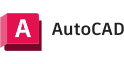
Repartez du chantier avec un fichier DXF prêt à dessiner. Avec un outil de précision professionnel de ±0,08 po (±2 mm), vous obtenez un scan en 2 minutes.

Trois jours plus tard, vous repérez la mesure manquante sur votre écran. Le chantier se trouve à 45 minutes. Une demi-journée perdue pour un seul chiffre oublié.
Vous relevez le chantier manuellement. Mètre ruban, télémètre laser, esquisse sur papier. De retour au bureau, vous transférez toutes ces informations dans AutoCAD. Un projet de 4 pièces, c'est des heures à taper des mesures avant de commencer à dessiner le premier mur.
La plupart des scanners déversent un nuage de points dans AutoCAD. Aucune géométrie, aucun point d'accroche. Vous devinez l'emplacement des angles et votre outil mur ne s'accroche à une référence précise.
.png)

ÉTAPE 1
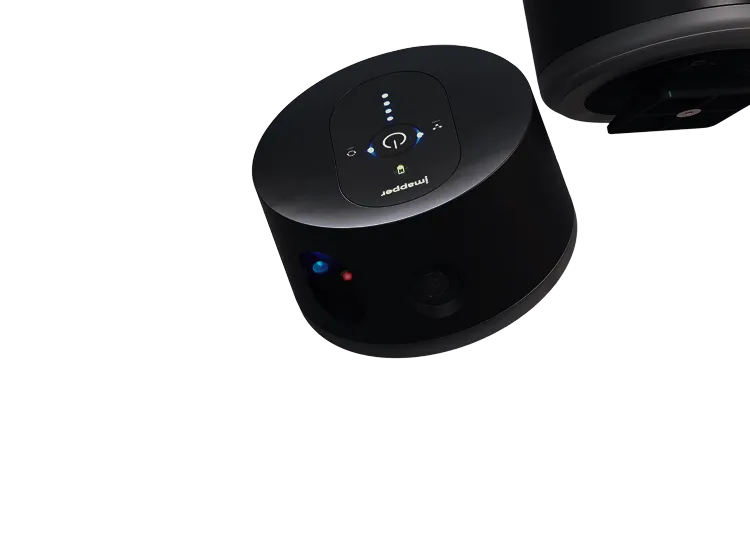
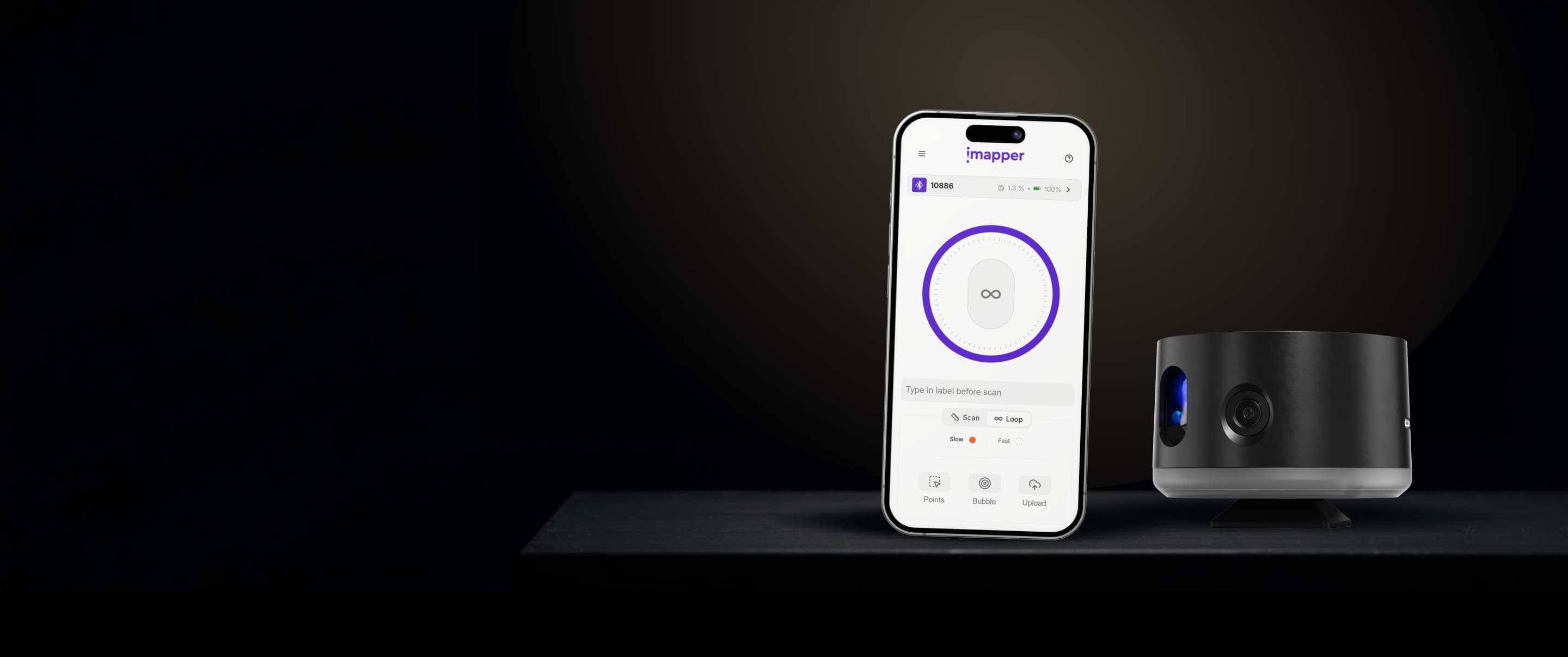
Placez iMapper au centre de la pièce, appuyez une fois. Deux minutes par scan. Pendant que ça tourne, vous pouvez parler à votre client.
ÉTAPE 2
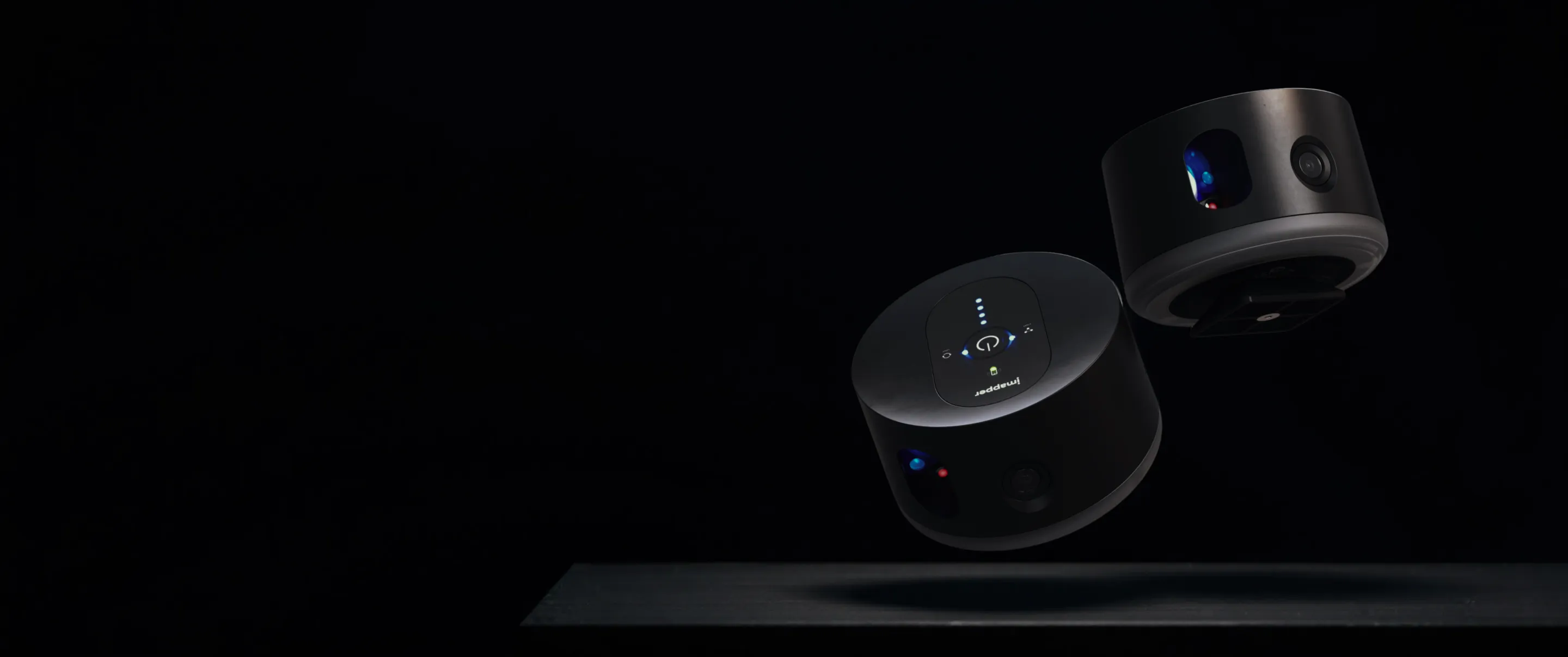
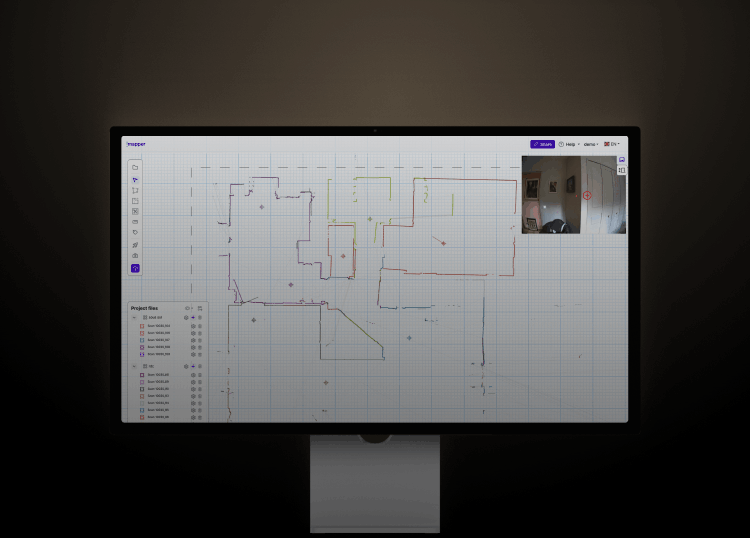
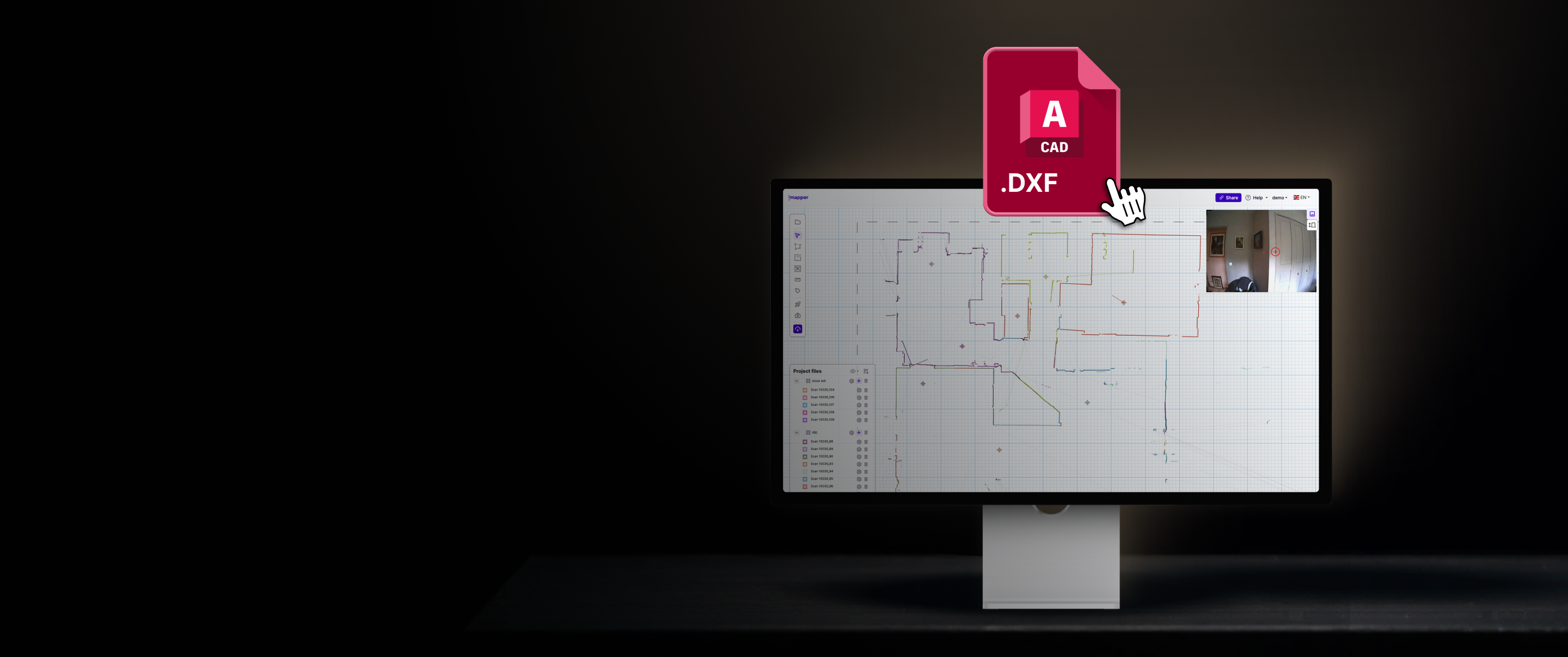
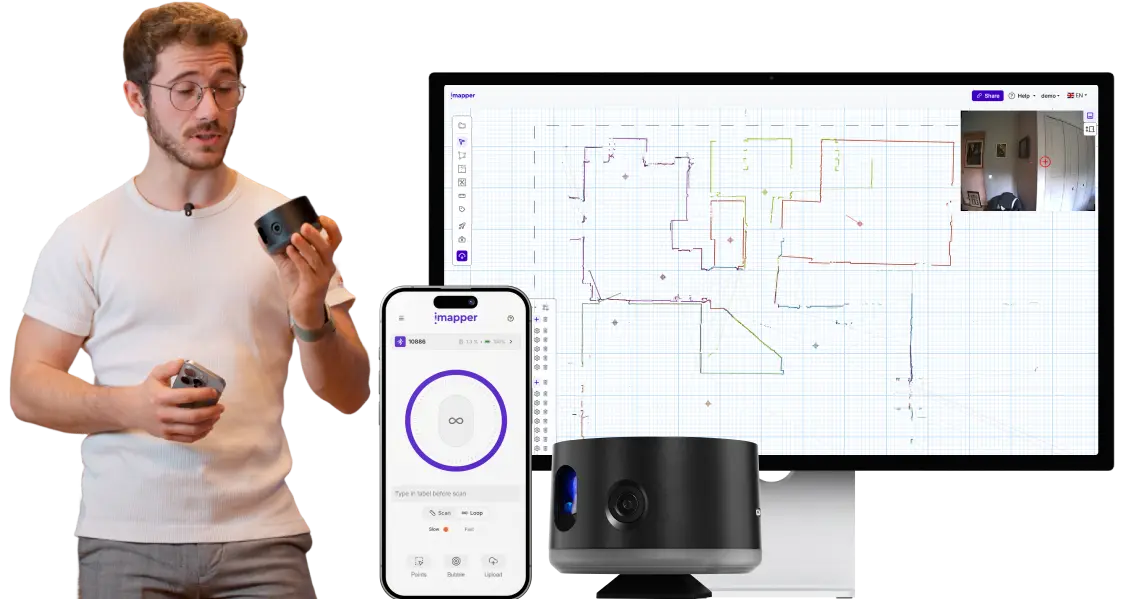
Sur la plateforme iMapper, les scans s'assemblent automatiquement. Vous ajoutez ensuite des polylignes, des portes et des fenêtres en quelques clics, et le fichier est automatiquement exporté vers AutoCAD.
L'outil de plan dessine votre pièce en minutes. Accrochez les murs sur un nuage de points à ±0,08 po (±2 mm), placez portes et fenêtres en quelques clics, puis exportez un DXF natif AutoCAD.
ÉTAPE 3
Exportez toutes les mesures précises en un clic. Points, lignes et murs sont séparés sur des calques distincts: vous choisissez ce que vous souhaitez exporter et afficher dans AutoCAD.

Des relevés de meilleure qualité permettent de réaliser des projets plus précis, d'éviter les imprévus sur le chantier, de réduire le risque de modifications au bureau et d'assurer une exécution plus fluide.
Réservez une démonstration personnalisée avec nos experts pour découvrir comment utiliser cette solution dans le cadre de vos cas d'utilisation spécifiques.




Finaliste de l'Innovation World Cup® 2025
Recognized for outstanding innovation in smart building technology.
prix de service 2024




.png)
.png)
.png)