















service award 2025
The distinction for the best technology.

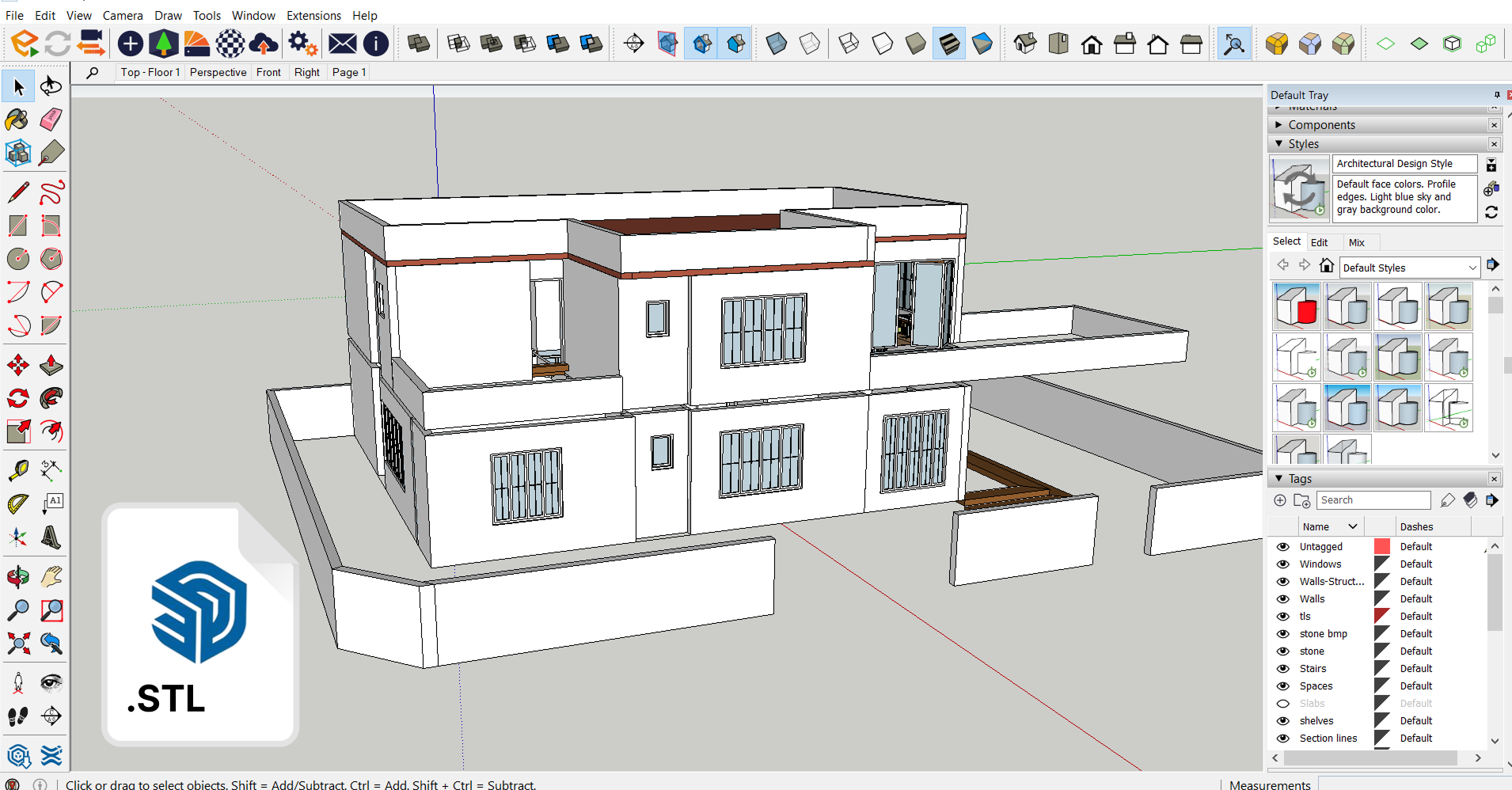
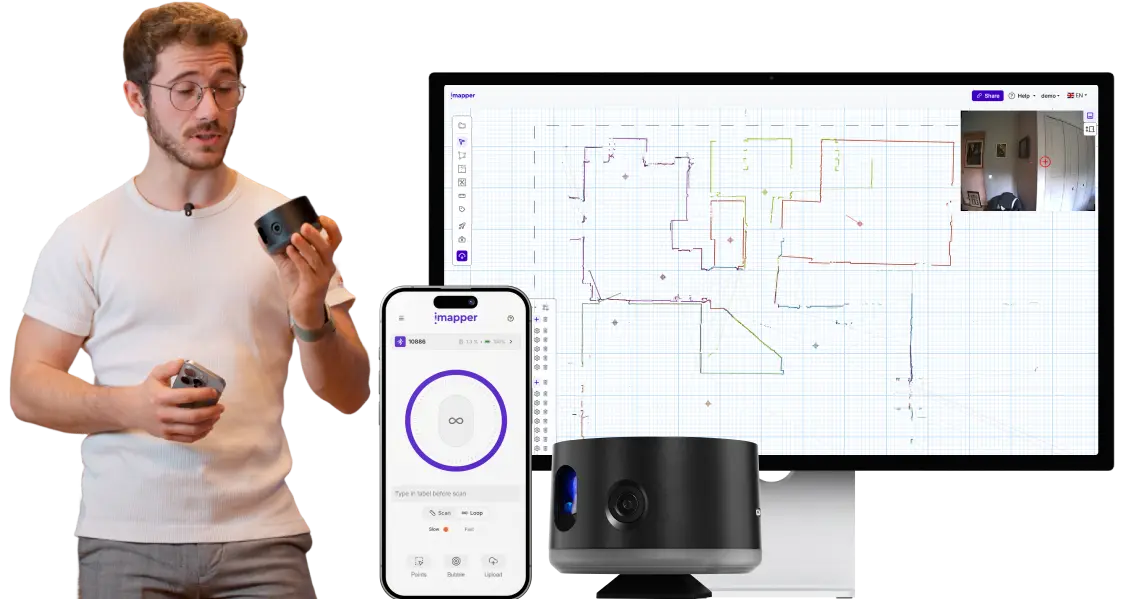
Walk out of the site with an STL of native walls ready to model in SketchUp. With a professional ±2mm accuracy tool, that takes 2 minutes per scan.

You spot the missing dimension three days later, in front of your screen. The site is 45 minutes away. Half a day gone for one number you forgot to write down.
Tape measure, paper sketches, every dimension typed into a 2D file. Then in SketchUp you trace walls, Push/Pull every height, place every door and window one by one. A flat with 4 rooms means hours of modeling before you can dress the project.
Most scanners drop a 3D cloud of dots into SketchUp. No surfaces, no snap targets, the file lags or crashes, requiring a powerful computer to run smoothly.
.png)

STEP 1
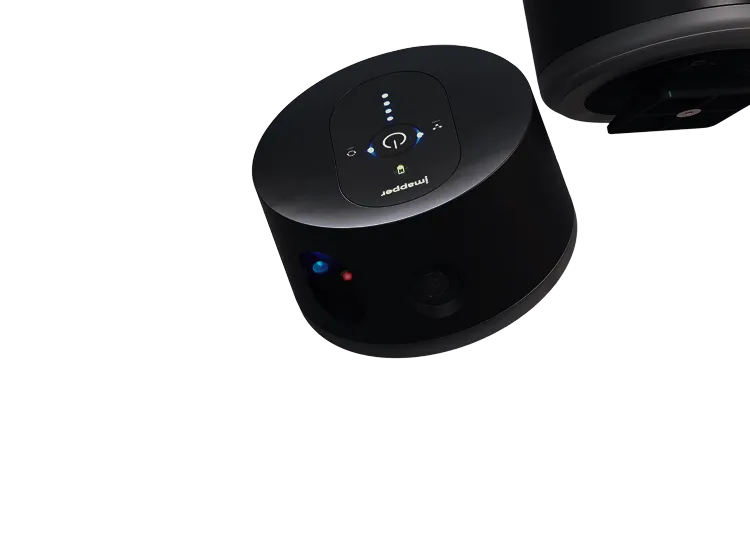
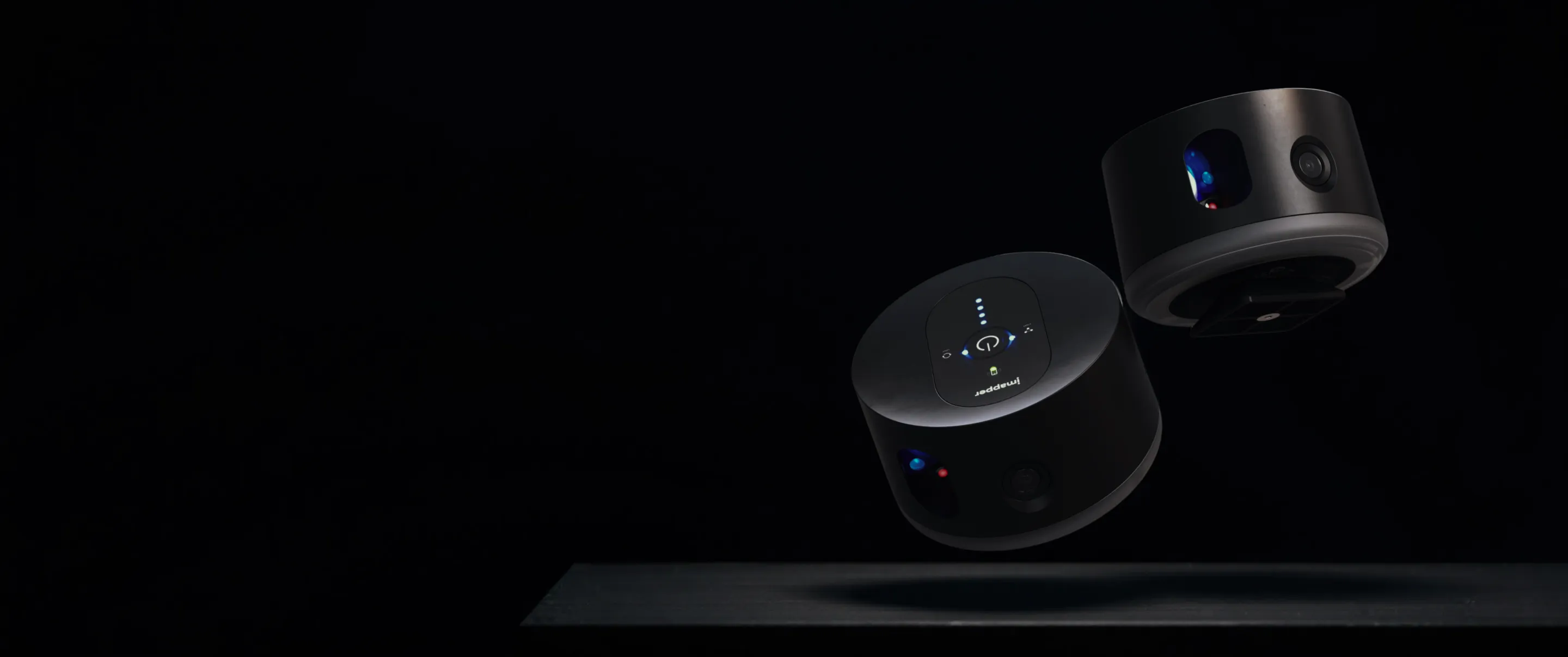
Place iMapper in the center of the room, press once. Two minutes per scan. Talk to your client while it works.
STEP 2
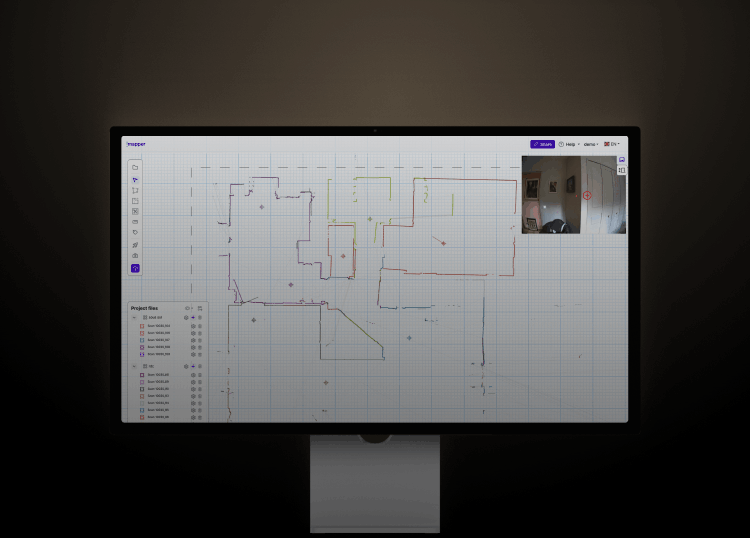
In the iMapper Platform, scans will automatically stitch together. You can then add walls, doors and openings in few clicks, everything will be then ready to open in SketchUp.
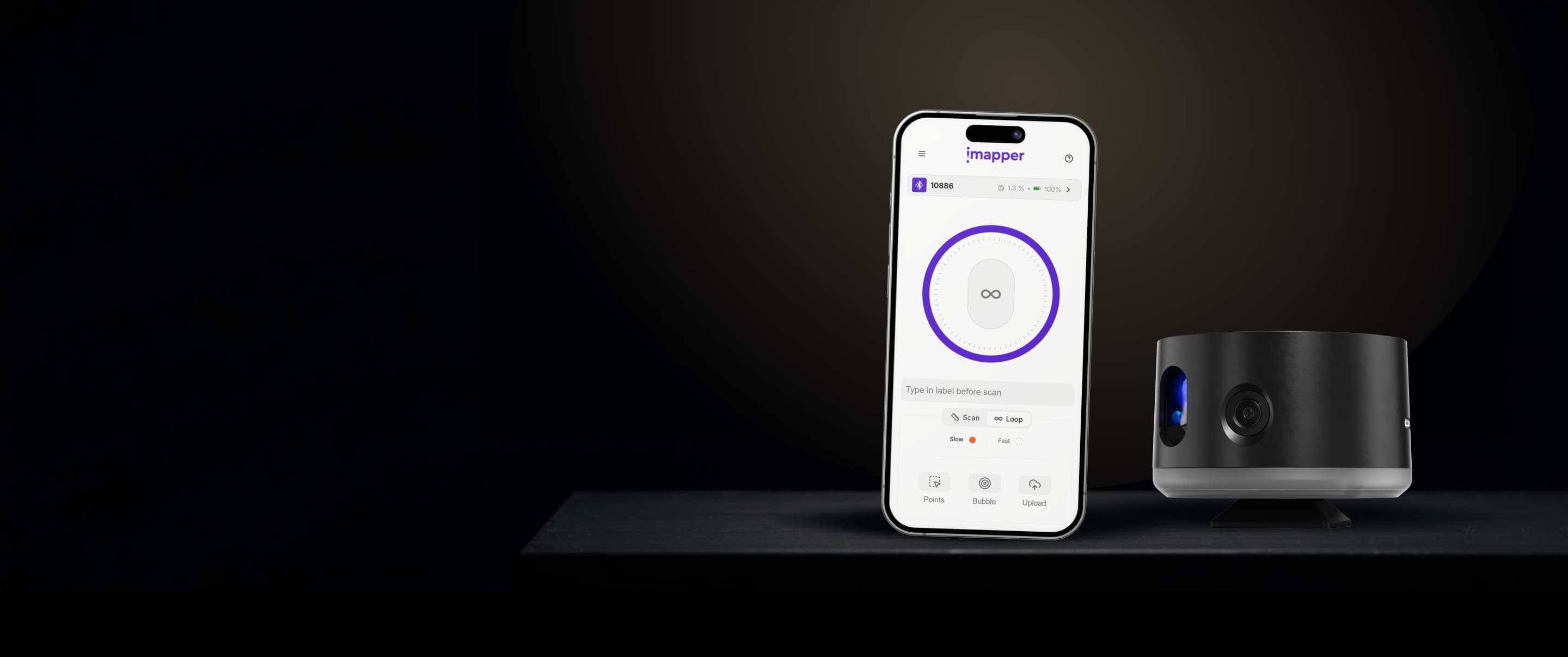
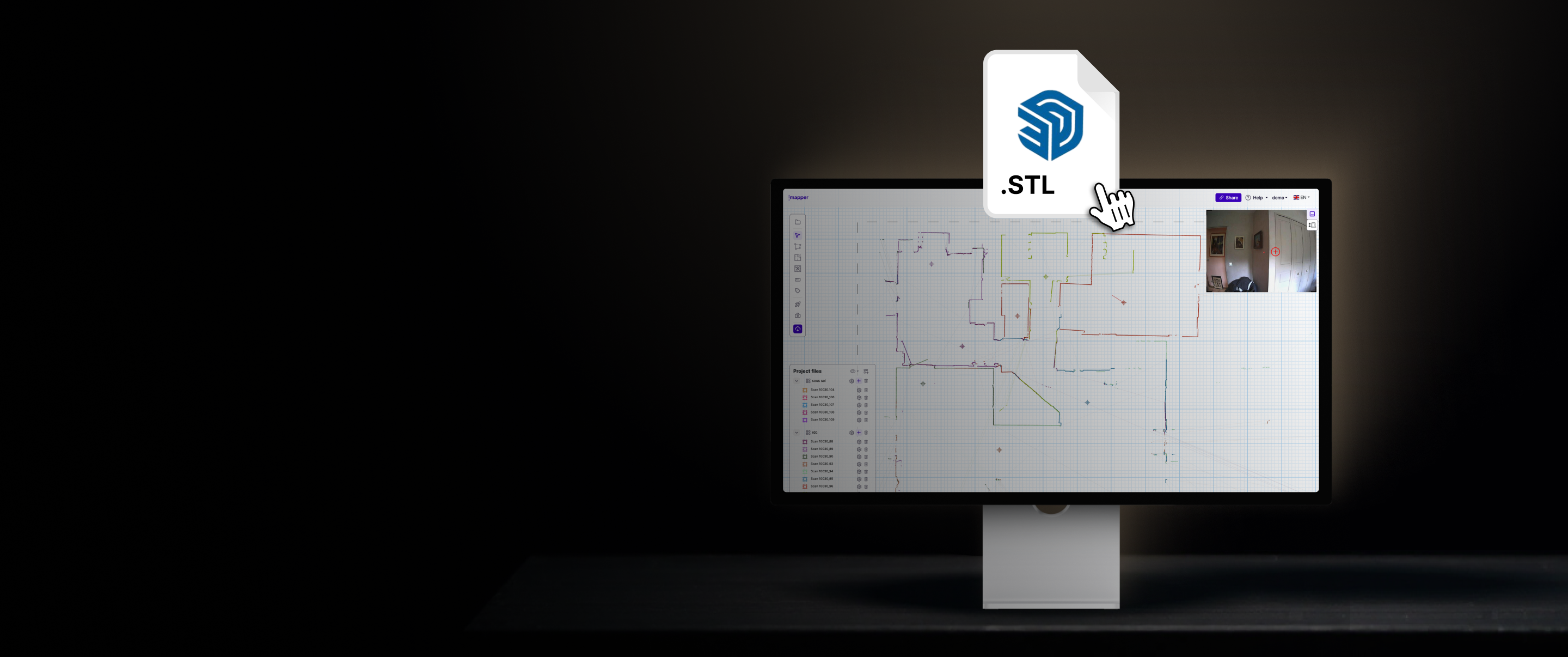
The floor plan tool drafts your room in minutes. Snap walls onto a ±2mm (±0.08in) point cloud, place doors and windows in clicks, export an STL with native walls already extruded.

STEP 3
Export an STL with native walls already extruded at the right height, so you only have to dress the project. A DXF is also available if you prefer to trace 2D first and Push/Pull yourself.

Better measurements mean better projects, fewer surprises on site, fewer revisions in the office, smoother delivery.
Book a personalized demo with our experts to see how you can use it for your specific use cases.




Innovation World Cup® Finalist 2025
Recognized for outstanding innovation in smart building technology.

service award 2025




.png)
.png)
.png)