x

Rayon Design

iMapper exports DXF files for Rayon Design from laser-scanned room measurements with ±2mm precision, ready for architectural drawing and interior design projects.
Company:
Rayon Design
iMapper + Rayon Design: From Room Scan to Drawing in Minutes
DXF export from measured site data. Accurate floor plans for Rayon Design with ±2mm (0.08 in) precision and 360° photo reference.
DXF export | ±2mm (0.08 in) precision | 10 wide-angle photos
Import menu path:
Menu (top left) > Import > DWG/DXF > Set scale > Pick insertion point

iMapper integrates with Rayon Design to give architects and interior designers millimeter-accurate room measurements ready for architectural drawing and space planning. Place the scanner in the room, press once, and walk away. Three minutes later you have a complete set of measurements capturing walls, doors, windows, and recesses at ±2mm (±0.08 in) precision, with 10 wide-angle photos attached to every scan position. Export to DXF from the iMapper platform, import it into Rayon Design, and your real room becomes your drawing canvas.

Benefits

±2mm (0.08 in) Measurement Accuracy

iMapper's laser captures 1000+ points per minute with ±2mm (0.08 in) precision. Every wall length, door opening, and recess is recorded exactly, so the floor plan you draw in Rayon matches the room that was actually there.

10 Minutes from iMapper Scan to Rayon Design

Scan the room in 3 minutes, upload automatically to the iMapper platform, export the DXF, and import it into Rayon Design. The geometry is already there when you start drawing. You are not tracing from memory or a rough sketch.

10 wide-angle photos Cross-Reference

Each scan position captures 10 linked wide-angle photo. If a measurement ever looks off, or a client asks about an outlet, a pipe, or a ceiling beam, you can verify it from your desk without going back to site.

Workflow steps

Step 1: Capture site data with iMapper

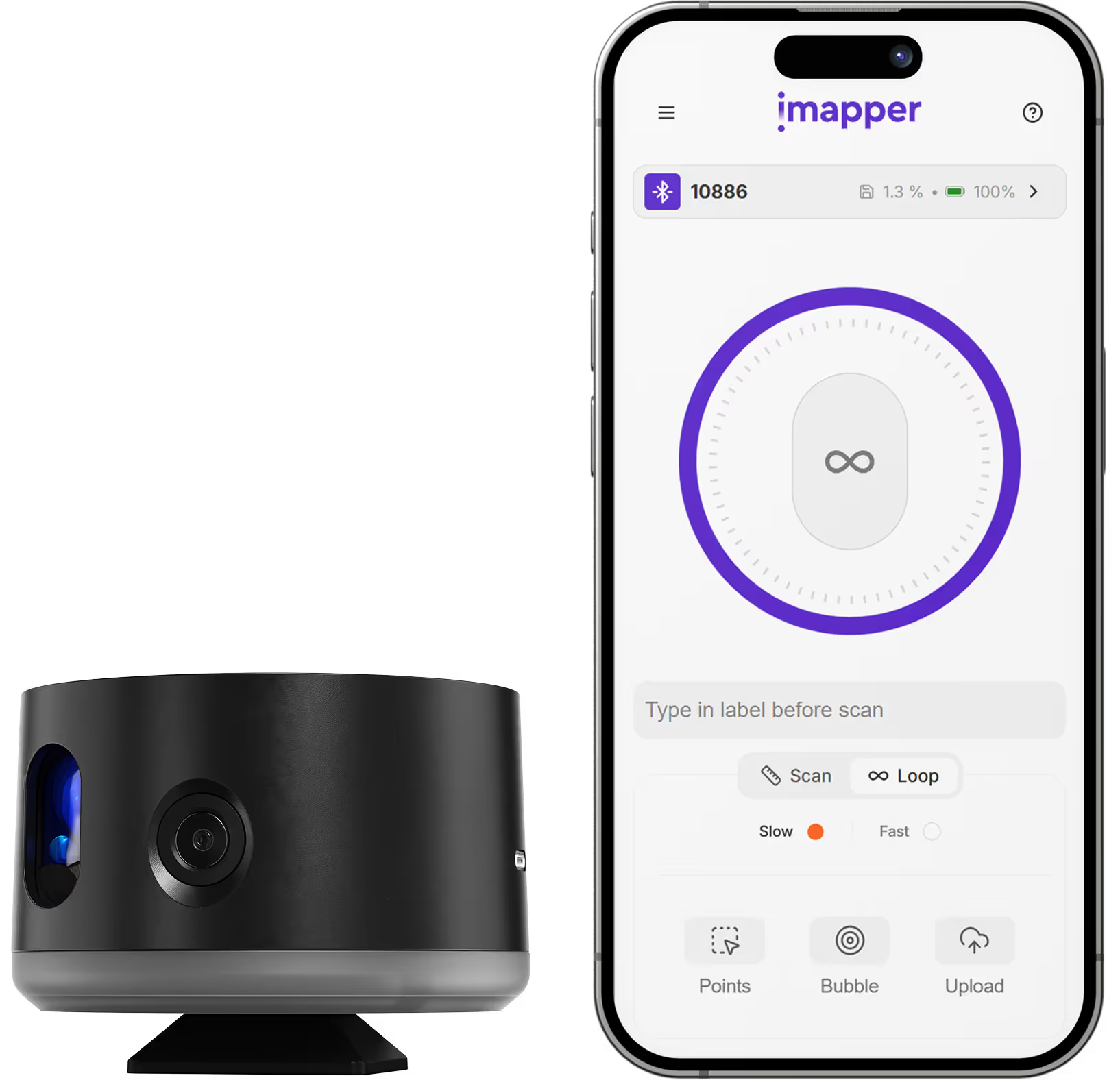
Place iMapper in the center of the room and press the button once. The scanner completes its pass in 2 to 3 minutes and captures ±2mm (±0.08 in) measurements alongside 10 wide-angle photos at each scan position.

Step 2: Upload to iMapper Platform

Transfer the scan via USB or automatically upload them th the iMapper Connect app to platform.imapper.tech. Multiple scans from the same project auto-stitch into a single floor plan.

Step 3: Export to DXF

Click Export > DXF. Choose metric or imperial. Download includes points, lines, and walls on separate layers.

Step 4: Import into Rayon Design

In Rayon, go to Menu (top left) then Import then DWG/DXF. Set the scale, pick your insertion point, and the scanned geometry lands in your workspace as reference geometry ready to draw on top of.

Step 5: Start your design

Use the imported lines and polylines as your base to build your floor plan, set wall positions, place fixtures, and begin your design work with real room dimensions underneath.

Step 6: Verify with photo cross-reference

Need to verify a pipe location or confirm a window recess before finishing a detail? Open the 10 linked wide-angle photos from the iMapper platform. No site revisit needed.

DXF import in Rayon is capped at 35MB per file.

Use cases

Kitchen and Bathroom Design

Precise wall dimensions, door swings, window positions, and recess depths are everything you need to place cabinetry and fixtures exactly right.

Floor Plans and Interior Renovation

Capture existing conditions accurately before starting any renovation. iMapper gives you a real as-built baseline so there are no surprises when construction begins.

Space Planning

Whether you are laying out a residential apartment or a commercial space, accurate room geometry is the foundation. iMapper delivers it in minutes.

Technical Drawings

Lighting plans, electrical layouts, plumbing; every technical drawing starts with the right room dimensions. iMapper gives you those before you open Rayon.

Category
CAD
Useful for
Architect
Output Formats
DWG, DXF, PDF, PNG, JPG
Recommended Format
DXF
Accuracy Statement
±2mm precision
Units
Metric and Imperial
Supported Versions
Rayon Design
Last Updated
April 8, 2026

Frequently asked questions

Need something cleared up? Here are our most frequently asked questions.
What file formats does iMapper export for Rayon Design?
How accurate are iMapper measurements in Rayon Design?
Do I need a plugin to use iMapper with Rayon Design?
What versions of Rayon Design are supported?
Can I verify measurements if something looks unclear?
What projects work best with iMapper + Rayon Design?
How long does the workflow take?
Is iMapper compatible with other design software too?

How

Architect

s

are using iMapper

Discover how companies streamline scanning, standardize operations, and speed up decision-making using iMapper’s camera-powered visual data system.
Alberto Dubler
Architectural firm
iMapper es fácil de usar, tambièn para personas como yo, que somos más difíciles de entrenar que los más jóvenes.
Alberto Dubler
atelier-d'architecte-albert-dubler
Read Customer Story
Dimitri Tsvetkov
Architectural firm
iMapper ofrece un plano preciso, especialmente en el caso de las casas más antiguas.
Dimitri Tsvetkov
tsvetkov-architecture
Read Customer Story
Discover iMapper
functionality in 15 minutes
Book a non-binding demo call to see how iMapper Hardware and Software work and improve your measuring workflow on-site and in post production.