

AutoCAD receives iMapper data as a native DXF with no conversion step. Scan a room in 2-3 minutes at ±2mm accuracy, draw the room area on the iMapper platform, export to DXF, and open it directly in AutoCAD 2020-2025 via File > Open. The geometry lands on four named layers: iMapper_Points, iMapper_Lines, iMapper_Walls, and iMapper_Positions. If you drew room walls on the platform, those walls arrive with correct thickness and are ready to work from. The 360° photos captured during scanning stay linked on platform.imapper.tech, so you can cross-reference details without returning to the building.
iMapper's laser captures 1,200+ points per minute with ±2mm precision. Dimensions in AutoCAD reflect the room exactly, so you won't discover a measurement error when you get back to the office.
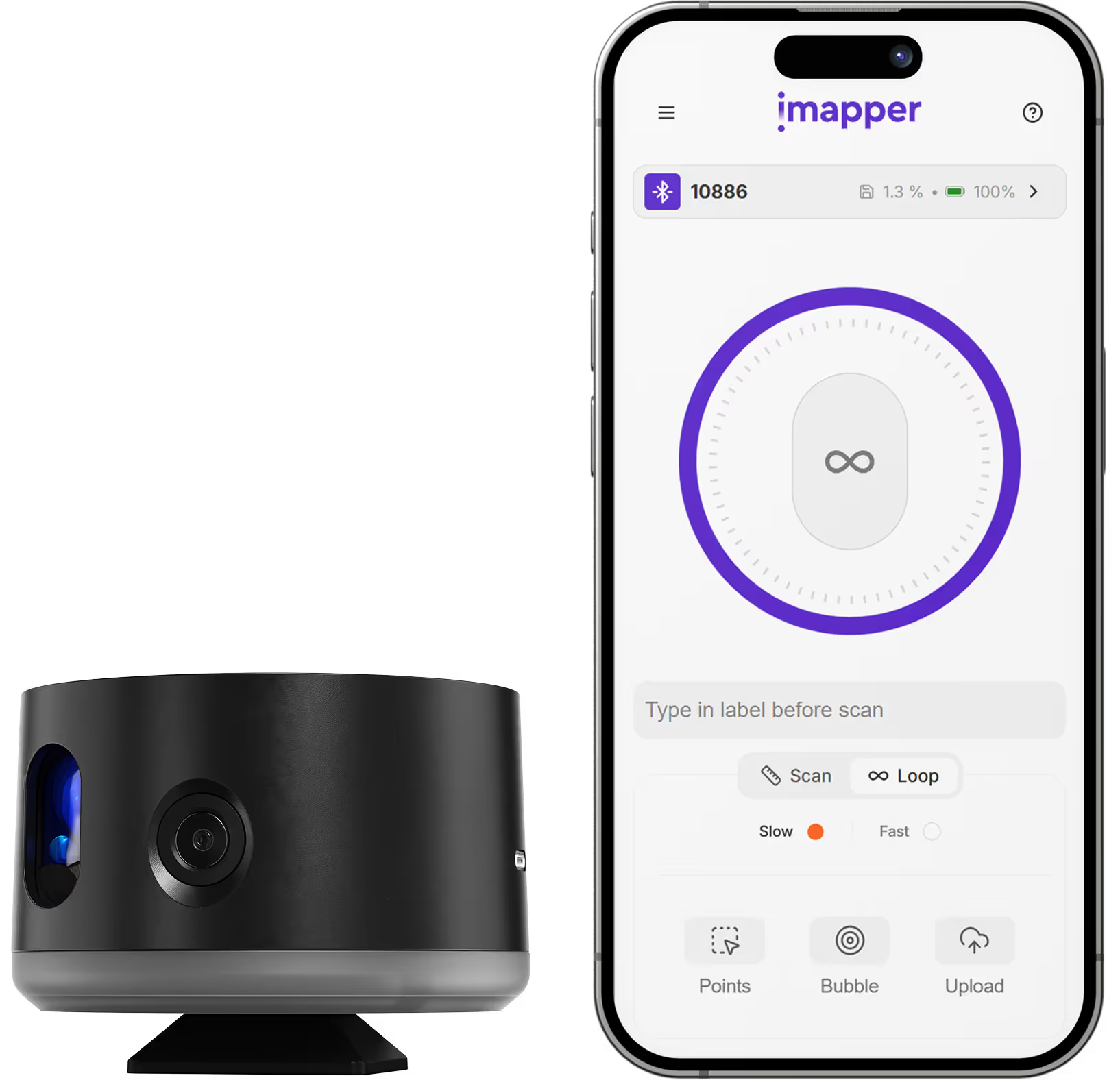
Scan a room in 3 minutes. Upload in 2 minutes. Export and import in 5 minutes. Traditional surveys take 2-3 hours for the same result.
Professional 3D scanning stations run tens of thousands of euros and need a specialist to process the output. iMapper gives you ±2mm survey data from a device that fits in a carry-on bag, without the processing overhead.
Go to File > Open > select the .dxf file. iMapper data appears immediately as native AutoCAD objects, with no import wizard or conversion step.
The file opens with four layers already organized: iMapper_Points (raw scan data), iMapper_Lines (room outlines and geometry), iMapper_Walls (wall geometry with thickness, if you drew walls on the platform), and iMapper_Positions (scanner standing positions). If your walls are in the iMapper_Walls layer, you can start dimensioning and annotating without tracing anything. The iMapper_Points layer is useful for verifying corners or irregular surfaces where the wall geometry needs a second check. Toggle layers on and off through AutoCAD's Layer Properties Manager in the usual way.
Any detail that needs checking, whether outlet positions, beam dimensions, or pipe runs, can be cross-referenced against the 360 photos on platform.imapper.tech. No site revisit needed for routine clarifications.
Capture existing room conditions before demolition. Start AutoCAD design with accurate as-built data.
Create accurate records of completed work for handover or facility management.
Base drawings with furniture-free room geometry for space planning in AutoCAD.
Precise floor plans for additions and remodels where existing conditions must be documented.












.png)

.png)
.png)
.png)




.png)
.png)
.png)