iMapper, the 2D Laser Scanner for 100% Reliable Floor Plans

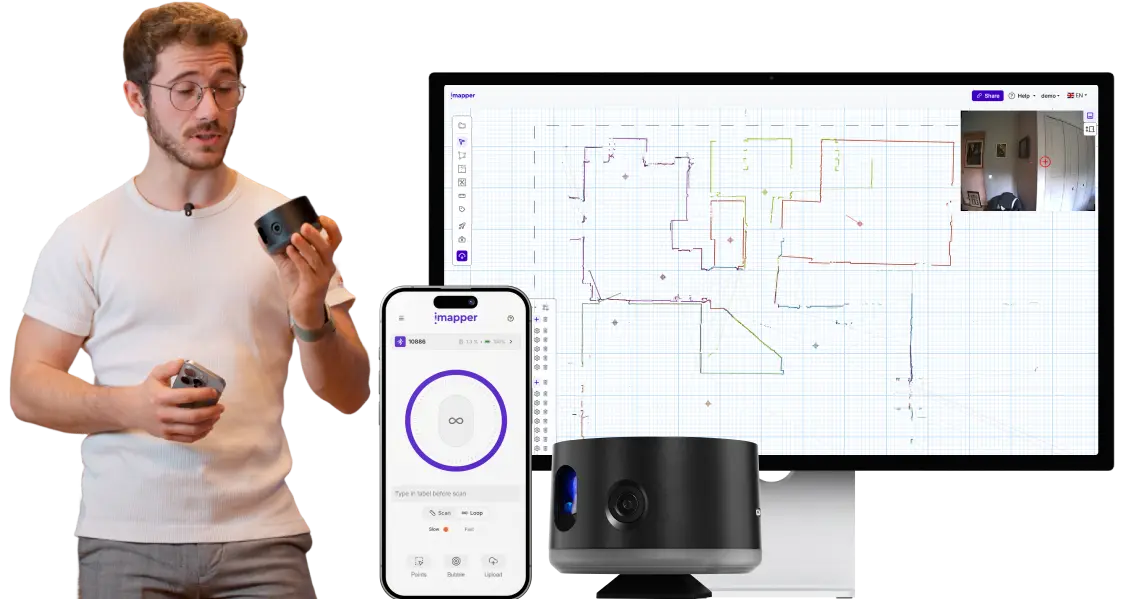
iMapper is an affordable and easy-to-use laser measurement tool that enables professionals to create 100% reliable floor plans and save days on projects.

The tool that will optimize and simplify your workflow

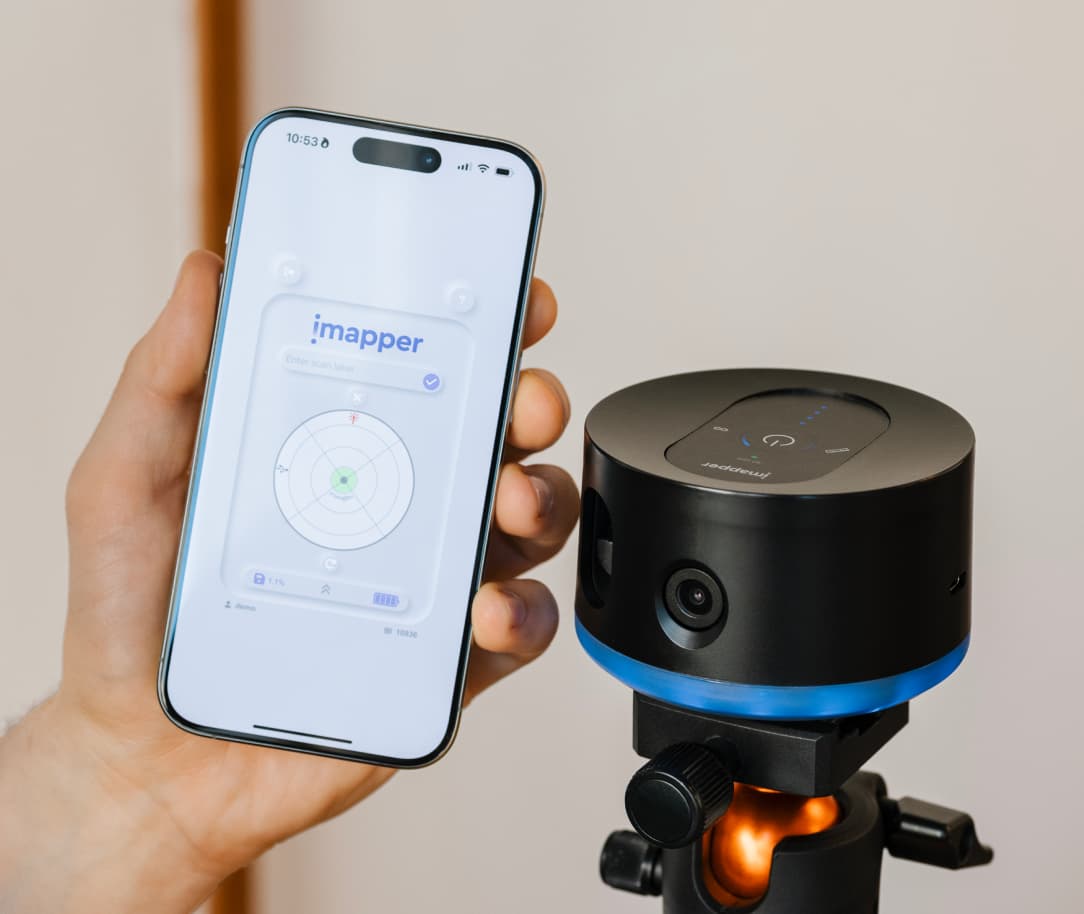
We help anyone who renovates to focus on what matters most: their customers. Place iMapper in the room to be measured, press the power button, continue discussing the project with your customer. In less than three minutes, even the most cluttered room will be measured.
What our users say about iMapper

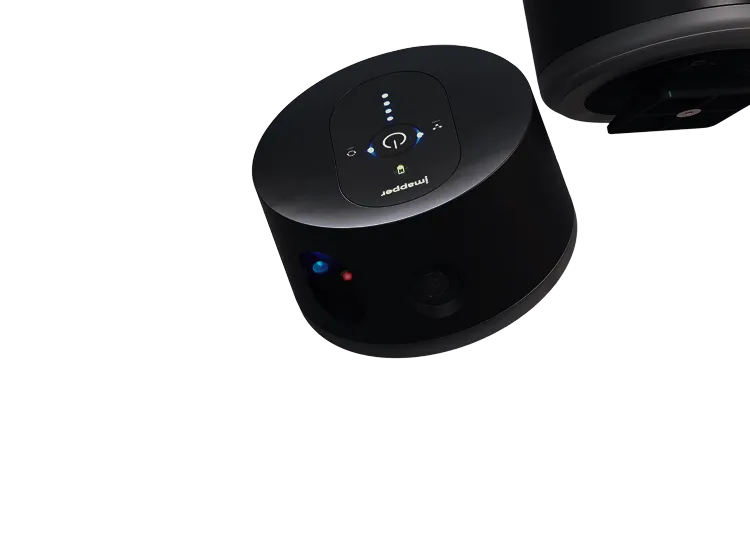
iMapper device with power button and indicator lights on top.

STEP 1

Click once, iMapper scans in 3 minutes

Place iMapper in the center of the room and click once. While it scans, you can stay focused on your client. In about 2 minutes, you’ll have a section with 1000s of points at ±0.08 in (±2 mm) accuracy and a full 360° view with 5 wide-angle reference photos.
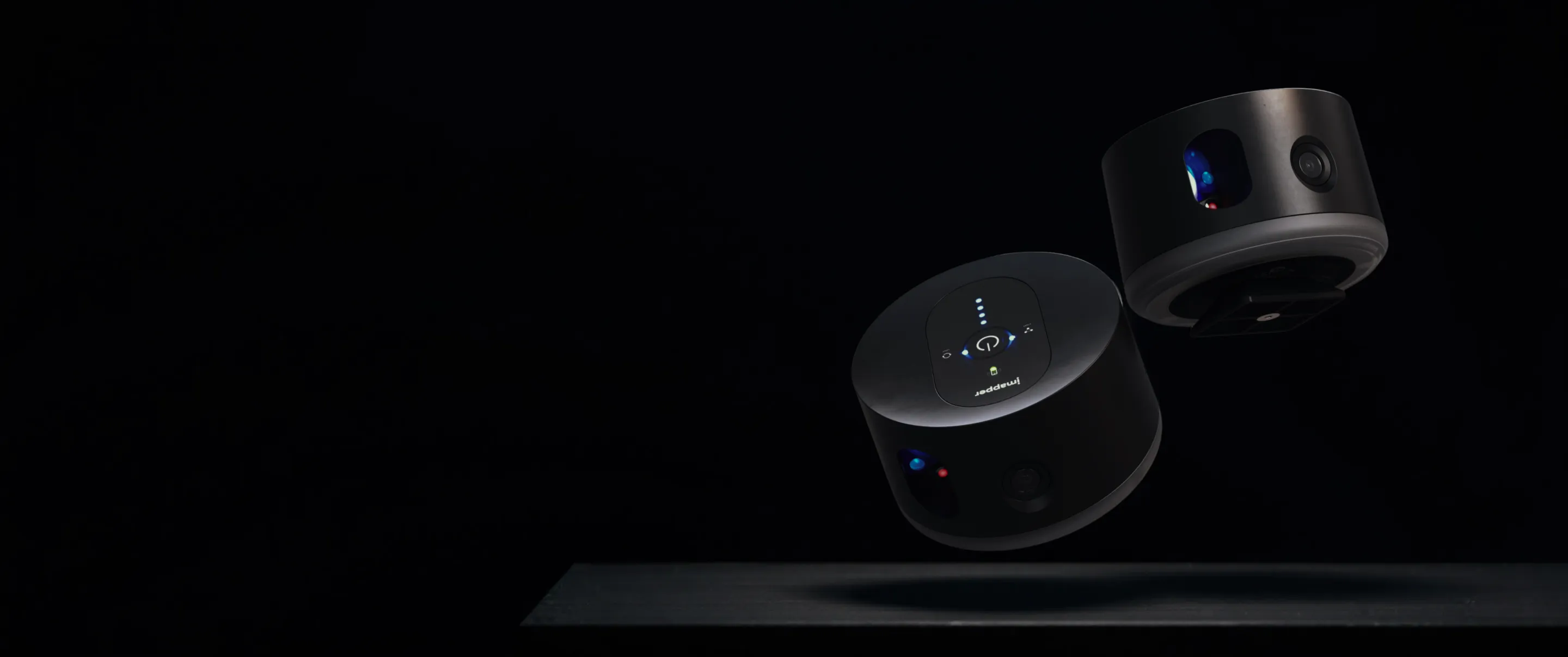
Two iMappers floating above a dark surface on a black background.

Explore Every Detail with Confidence

Upload your scans to uncover precise measurements and analyze every architectural feature. Thanks to the high-density point clouds, you can easily detect subtle elements like door ledges, wall textures, and structural irregularities — even check wall thickness and corner angles with clarity and accuracy.
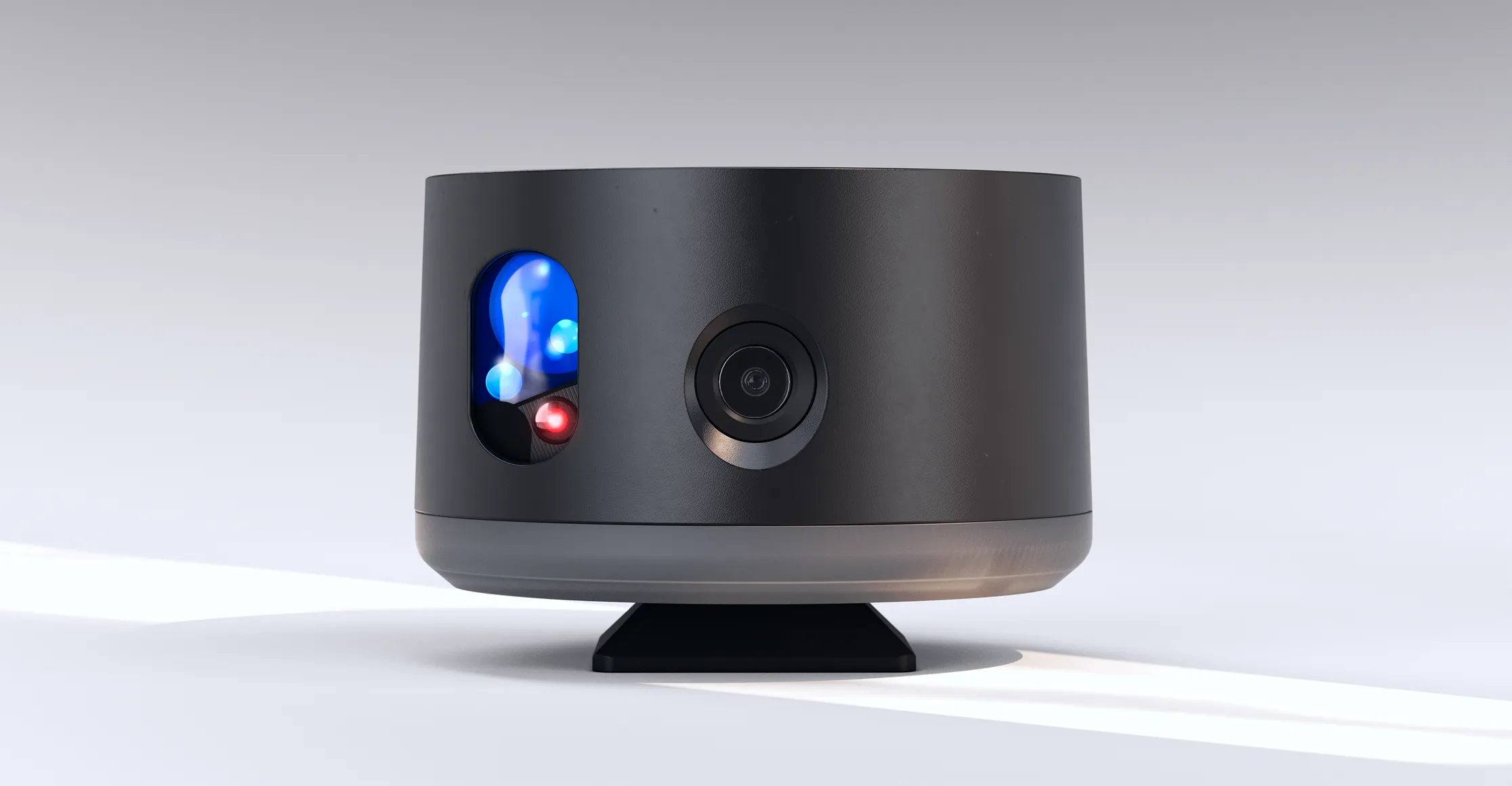
iMapper device front view.
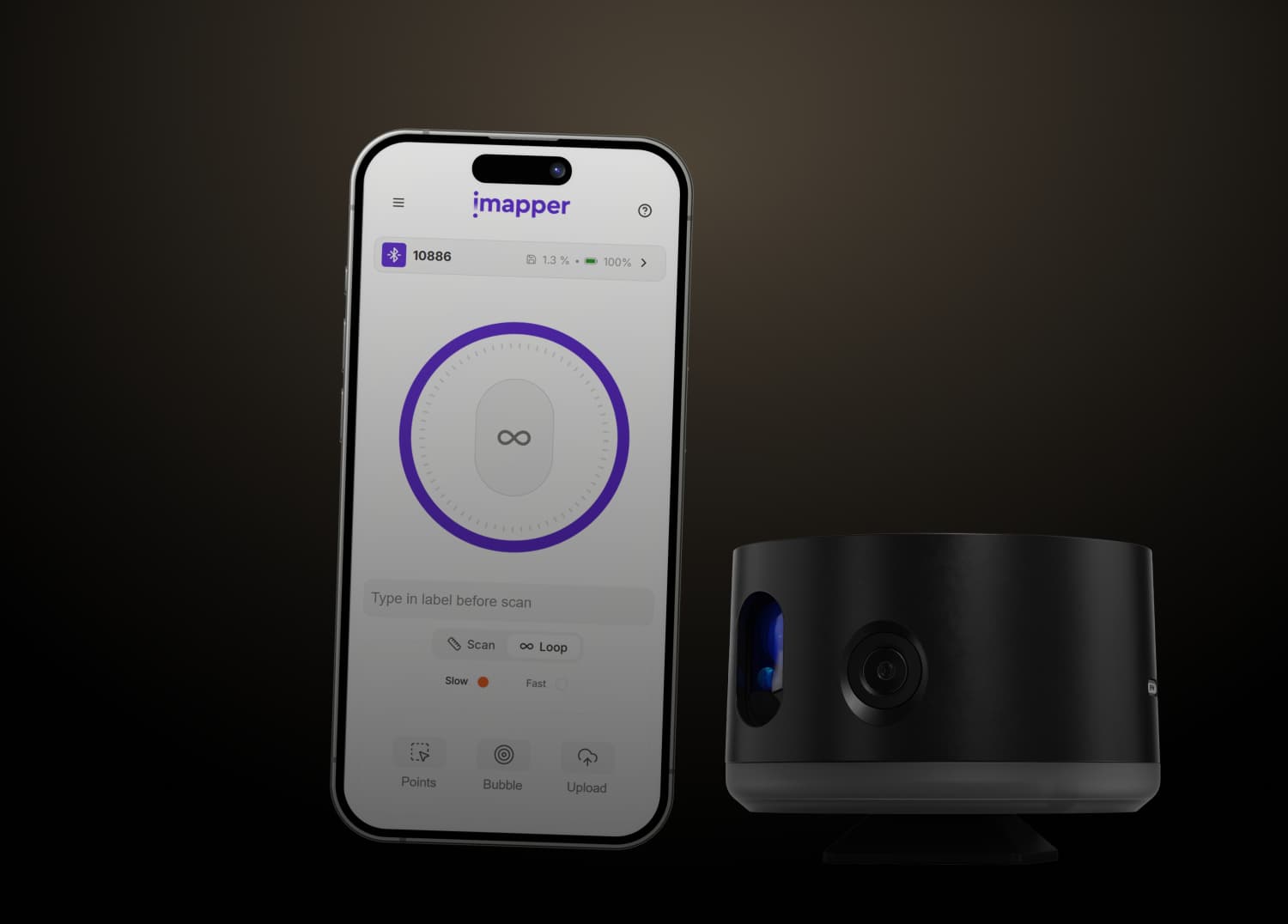
Smartphone displaying the iMapper app interface next to a black cylindrical scanning device against a dark background.

STEP 2

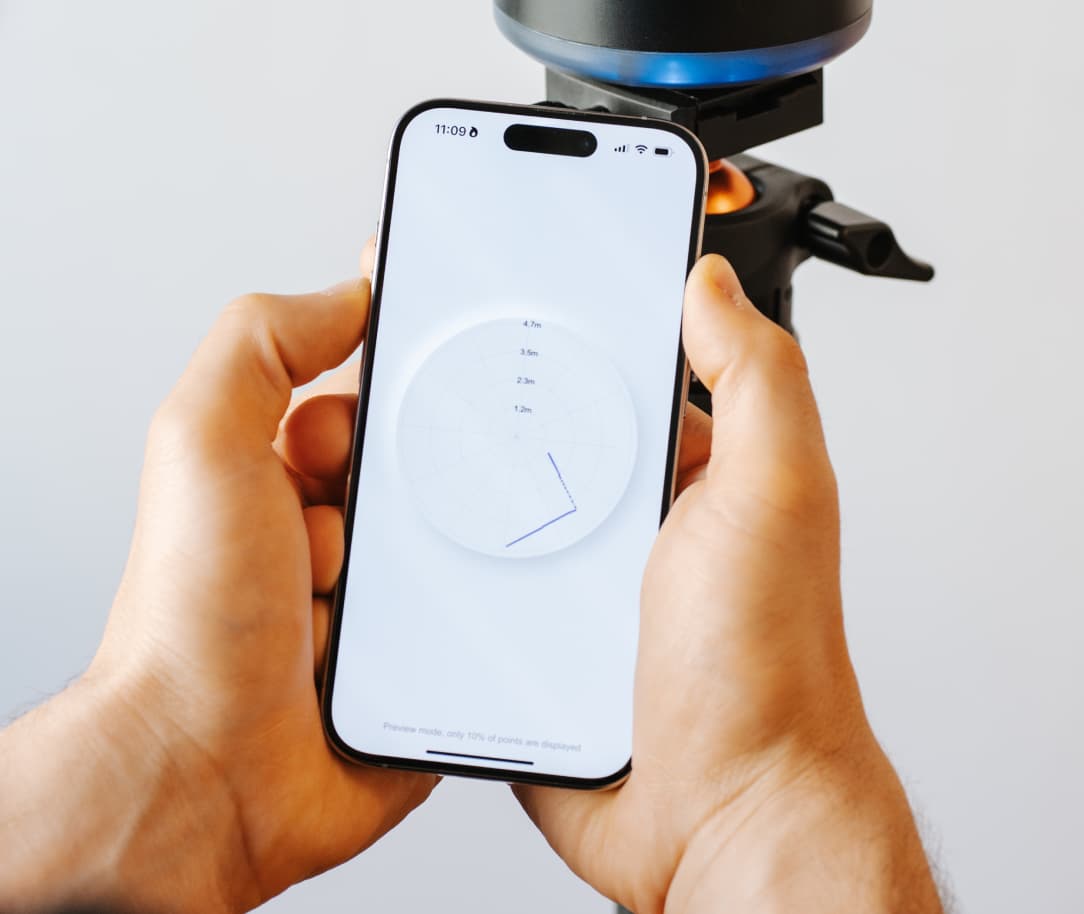
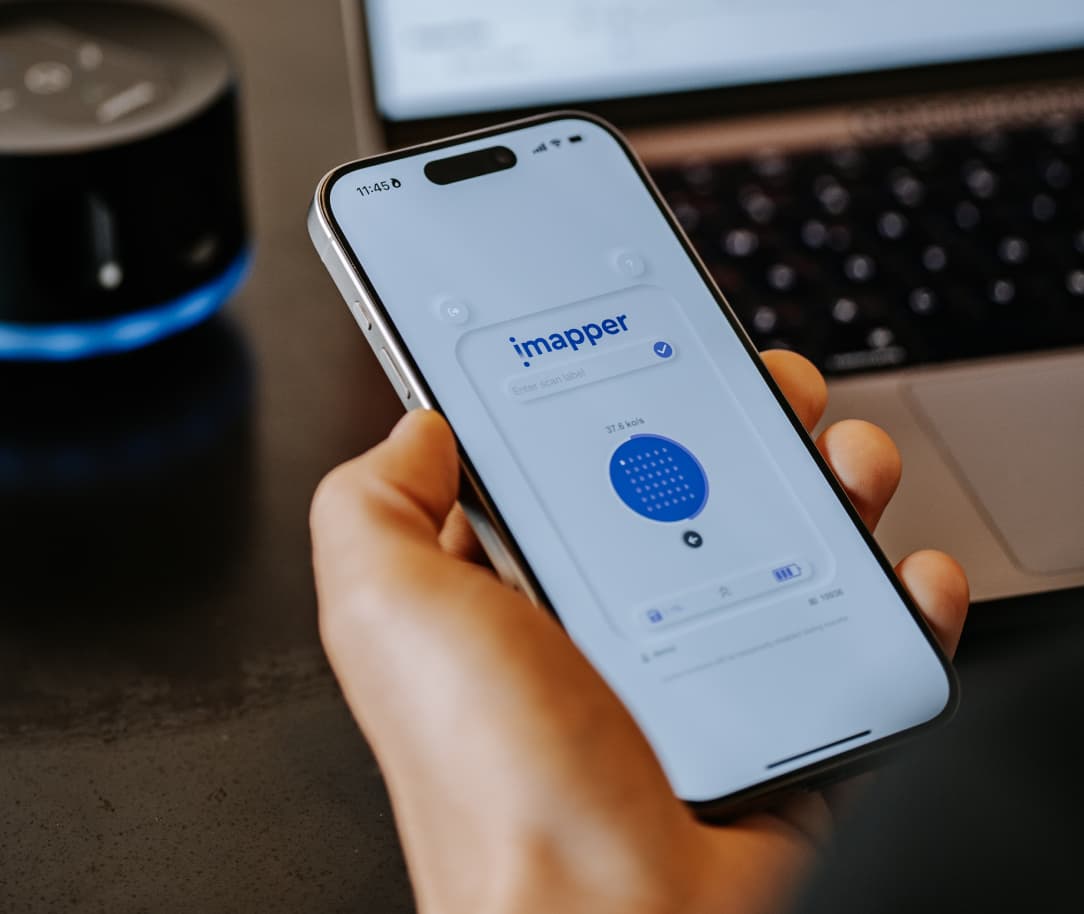
Scans are uploaded from the Connect App

Every time you complete a scan with iMapper, the Connect App automatically uploads the data to your cloud account but also it will be stored in the memory of iMapper for extra security.
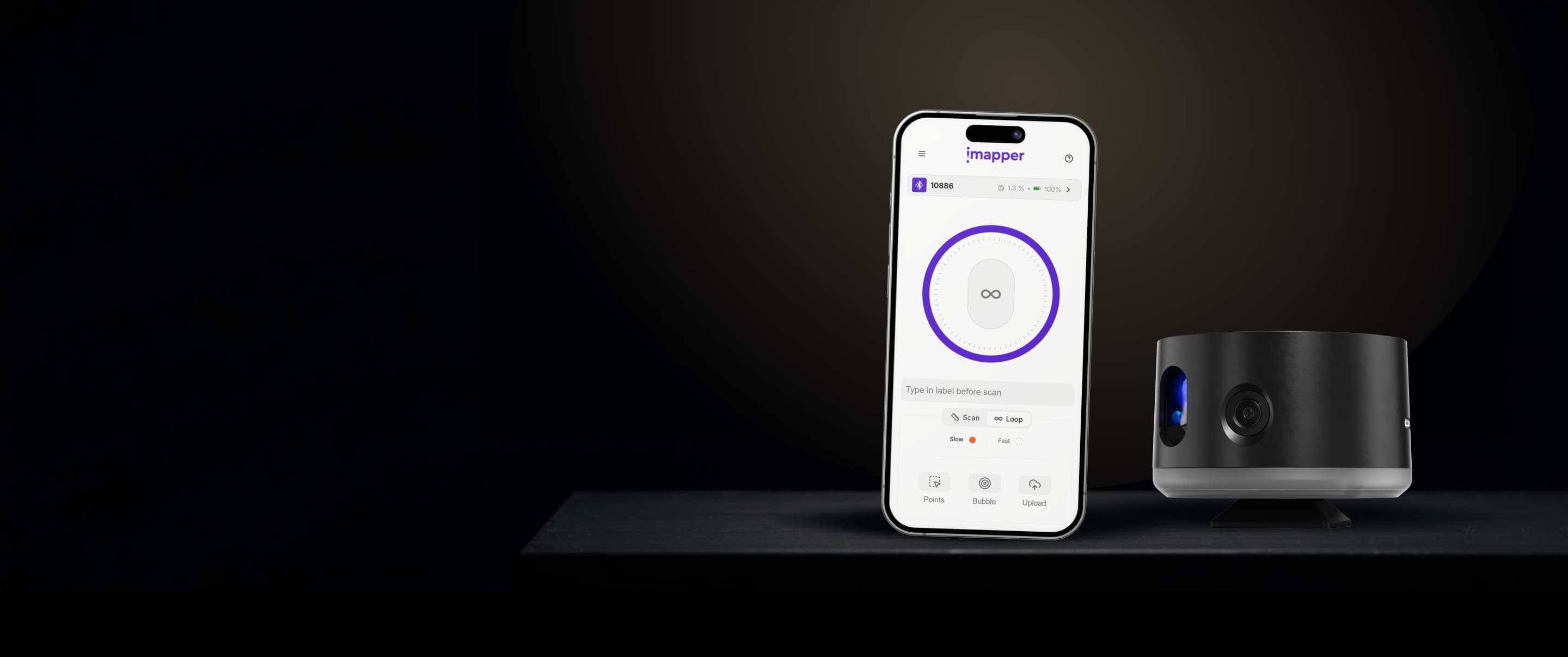
Smartphone displaying the iMapper app interface next to a black cylindrical electronic device on a dark surface.
Computer monitor displaying a digital floor plan with file format icons for DWG, DXF, JSON, TXT, STL, and PDF floating above.

STEP 3

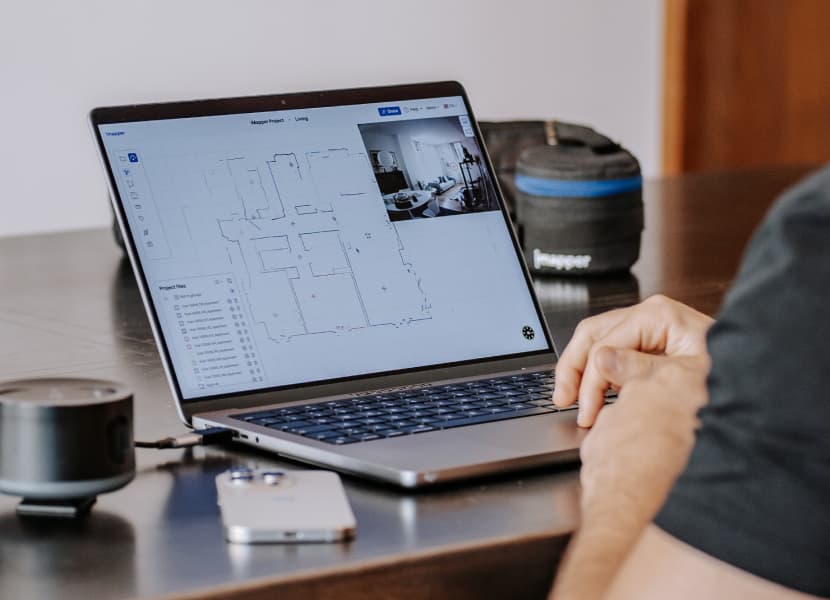
The Platform stitches the scans for you

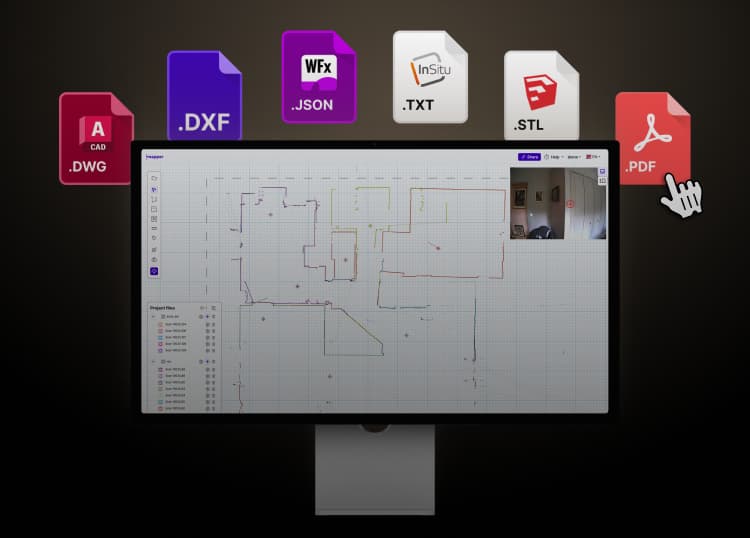
Our intelligent Data Platform uses a special algorithm to stick together multiple scans and give you a precise floor plans up to 10x faster compared to any other solution on the market.

Desktop monitor with iMapper software interface with floor plan lines and project files list, surrounded by icons for file types DWG, DXF, JSON, TXT, STL, and PDF.
Animated floor plan showing walls and 90-degree angle measurements in a room layout.
Snapping points are identified for you
The corners of the rooms measured from the iMapper become snapping points to take quick and reliable measurements.
Measurement layout showing a rectangular area marked in blue with dimensions and angles labeled, including an area of 12.20 square meters and perimeter of 13.99 meters.
Measure the exact m² of every room
You can use our digital area tool or our digital meter tool to take any measurement.
A kitchen backsplash with two electrical outlets; one outlet has a red target symbol on it and kitchen utensils hang on the left side.
See where each point was taken
In iMapper's platform, you can see exactly where any measurement was taken thanks to the association with the images.

Used by 1000s of Renovation Professionals

Sylvain Raillard
Architectural firm
The iMapper has totally changed the surveying session and the customer encounter.
Sylvain Raillard
Inée Architecte
Read Customer Story
Peter Lang
Project Manager
iMapper is an interesting tool that offers high performance compared to expensive laser measurement devices.
Peter Lang
Holztreppen
Read Customer Story
Pélagie Béllity
Interior Designer
Uncertainty over measurements is a source of anxiety. Thanks to iMapper, this stress has been completely eliminated.
Pélagie Béllity
BLTY Design
Read Customer Story
Albert Dubler
Architectural firm
The iMapper is easy to use, even for people like me who are harder to train than young people
Albert Dubler
atelier-darchitecte-albert-dubler
Read Customer Story
Axel Beem
Architectural firm
iMapper on one hand can save you time, and on the other it offers precision and certainty
Axel Beem
personal-architecture
Read Customer Story
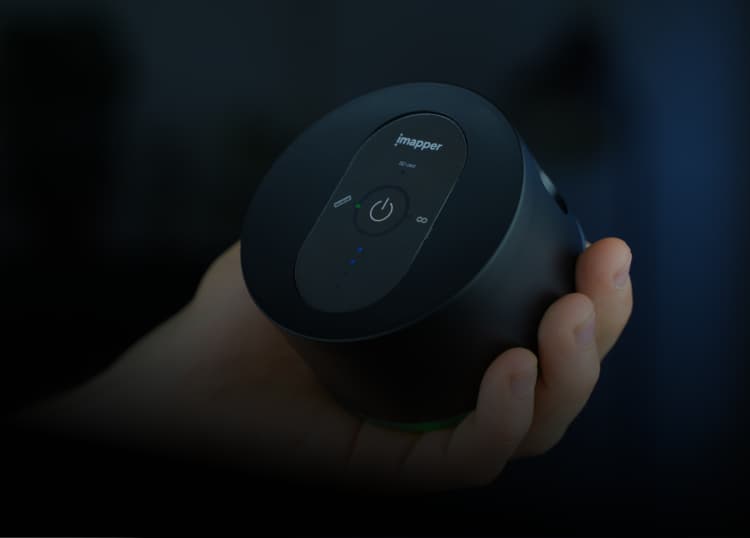
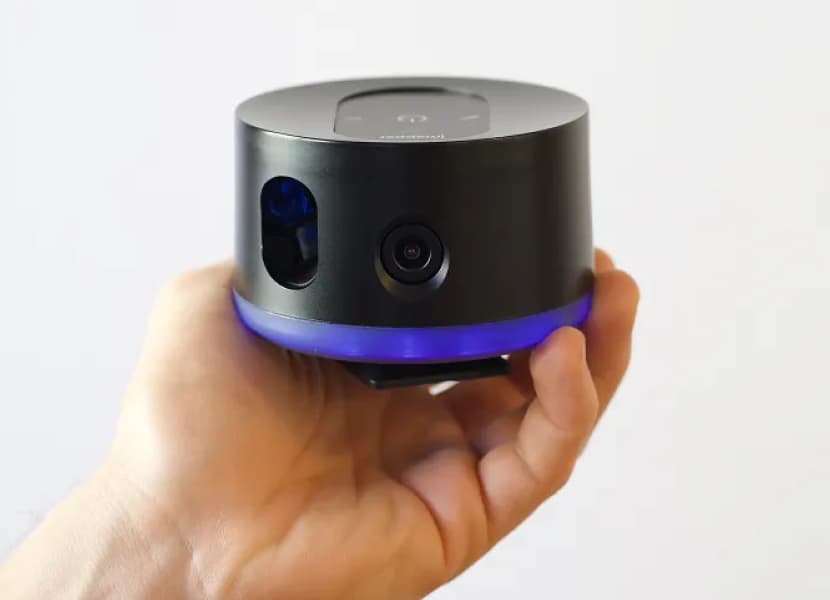
Hand holding a black cylindrical device with a power button and indicator lights labeled 'imapper'.

STEP 4

Export on your drawing software

Export the points from iMapper's sections or polylines and walls from the Platform tools. You can export metric or imperial units and import them into your drafting software.

Hand holding a black, cylindrical iMapper device with power and status indicator lights on top.

Export your floor plan in various file formats

Icon of a red file labeled .DWG representing an AutoCAD drawing file format.
DWG
Icon of a purple file document with the extension .DXF in white letters.
DXF
Purple file icon with a folded corner labeled '.JSON' and a white box containing 'WFx'.
Winner JSON
Red PDF file icon with white Adobe Acrobat logo.
PDF
Icon of a white document file with folded corner labeled .TXT and InSitu logo.
Insitu TXT
File icon with the SketchUp logo and text '.STL' indicating an STL 3D model file.
Sketchup STL

Customer Spotlight

Stylized blue quotation marks on a transparent background.
If you've used a laser measurer or tape measure in the past  and trust these tools, you can rely on iMapper to do the job all by itself.
Headshot of a man with curly hair, glasses, and a beard wearing a button-up shirt.
Thomas Mimi
Founder Kaizo Studio
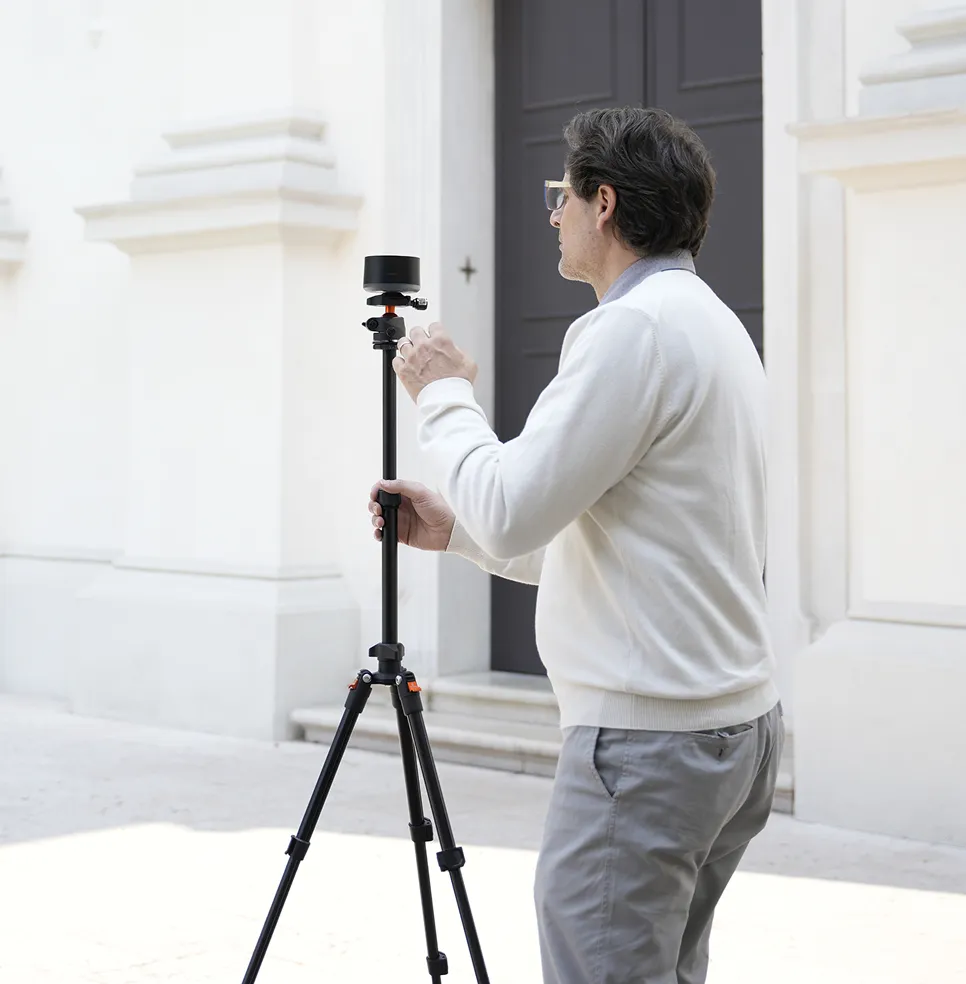
Man adjusting the iMapper device mounted on a tripod near a white church.
Tailored for every remodeling industry need
Interior designers
Discover
Architectural firms
Discover
Kitchen designers
Discover
Project managers
Discover
Real estate agents
Discover
Description of image
Achieve precision
Millimeter accuracy with an average of over 1200 point clouds per minute and ten photos at 360 degrees. One click of the start button is all it takes to measure a room. Best of all, you can chat with your client while iMapper is working for you.
Description of image
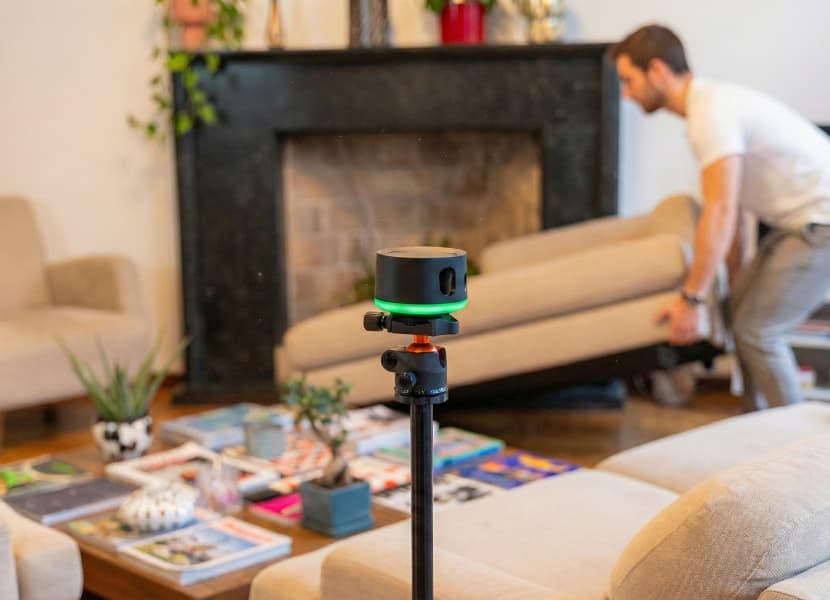
No need to move any furniture
iMapper also works perfectly in cluttered rooms. Simply position it so that shadow cones are reduced and even the most angled rooms are measured perfectly with an accuracy of ±2 mm.
Description of image
Take your floor plans anywhere
Upload the point clouds to our platform and merge the different rooms with our automatic algorithm. Then export the point clouds in various file formats and import them into your usual drafting software to draft your floor plans..
AS SEEN IN

service award 2024

The distinction for the best technology.

service award 2025

The distinction for the best technology.
Language