x

PaletteCAD

iMapper exports DXF files for PaletteCAD from laser-scanned kitchen and bathroom measurements with ±2mm precision.
Company:
PaletteCAD
iMapper + PaletteCAD: Precision Room Scans for Kitchen & Bath Design
DXF export from measured site data — accurate room layouts for PaletteCAD with ±2mm precision and 360° photo reference.
Native DXF • ±2mm precision • 360° photos
Import menu path:
File > Import > select .dxf file

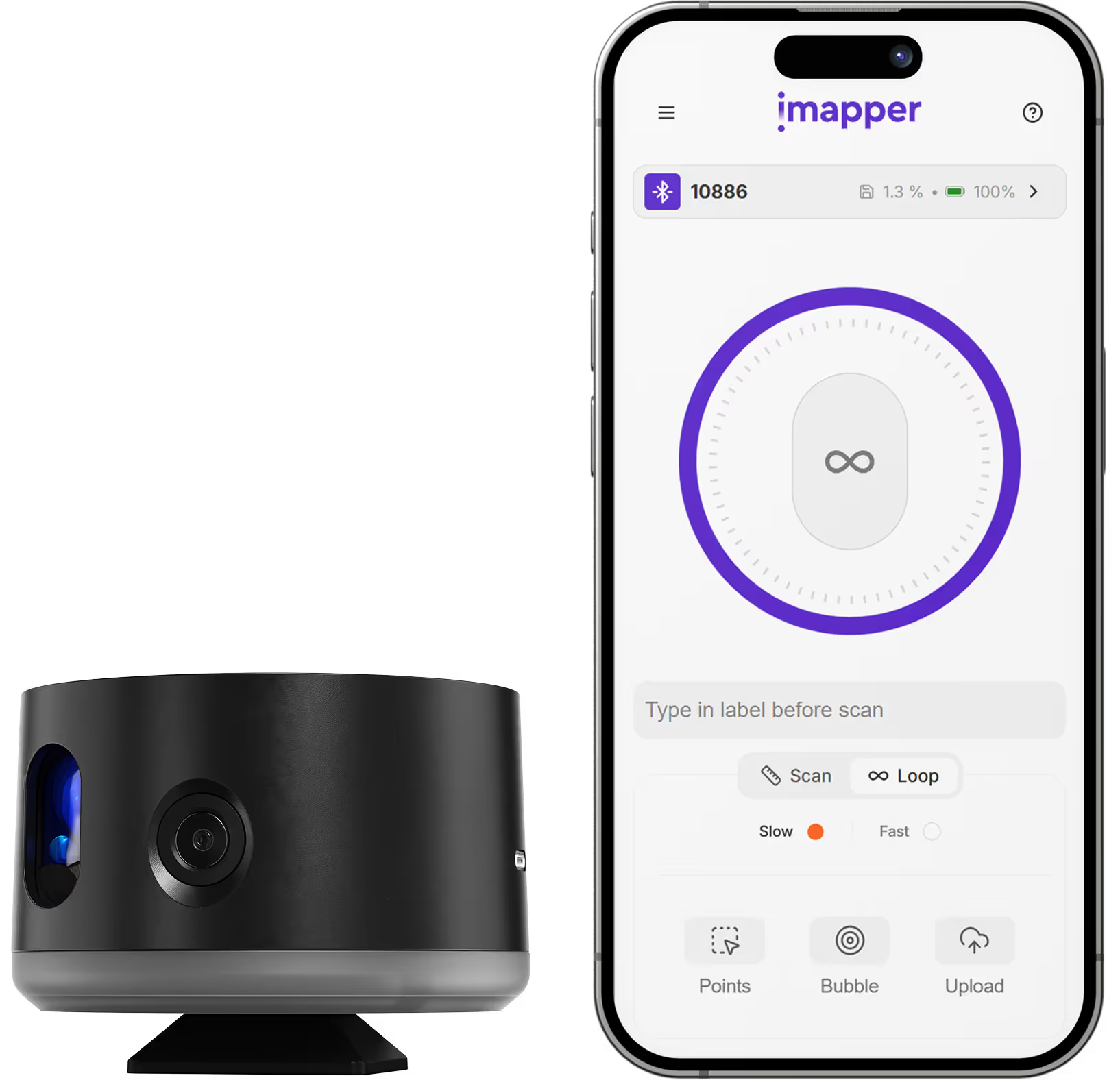
iMapper integrates with PaletteCAD to give kitchen and bathroom designers millimeter-accurate room measurements ready for design and planning. Using iMapper's laser scanner (±2mm precision), you capture complete room geometry—walls, windows, doors, and irregular surfaces—in under 3 minutes per room. The iMapper platform exports DXF files that import directly into PaletteCAD as reference data for your designs. Unlike tape measures (iMapper eliminates measurement errors), iMapper delivers design-ready room data without manual transcription. Every measurement includes 360° reference photos for verifying details like outlet positions and pipe locations.

Benefits

±2mm Measurement Accuracy

iMapper's laser captures 1,200+ points per minute with ±2mm precision. Room dimensions match reality exactly—no fitting errors from inaccurate measurements.

10 Minutes from Scan to PaletteCAD

Scan a room in 3 minutes. Upload in 2 minutes. Export and import in 5 minutes. Traditional manual surveys take significantly longer.

360° Photo Reference for Every Detail

Outlet positions, pipe locations, window heights—verify every detail from 360° photos without returning to site.

Workflow steps

Step 1: Capture site data with iMapper

Place iMapper in room center, press button once. Automatic scan completes in 2-3 minutes with ±2mm accuracy and 360° photos.

Step 2: Upload to iMapper Platform

Transfer via SD card or Connect app to platform.imapper.tech. Scans auto-stitch into complete floor plan.

Step 3: Export to DXF

Click Export > DXF. Choose metric or imperial. Download includes points, lines, and walls on separate layers.

Step 4: Import into PaletteCAD

In PaletteCAD, go to File > Import > select your .dxf file. iMapper data appears as reference geometry for your design work.

Step 5: Start your kitchen or bathroom design

Use the imported point clouds and polylines as reference to build your room layout. Trace walls and place elements with confidence in the measurements.

Step 6: Verify with photo cross-reference

Need to check outlet positions or pipe locations? Cross-reference the 360° photos captured during scanning—no site revisit needed.

iMapper exports individual areas for kitchen design software. Multi-room imports may require importing each area separately. iMapper creates 2D sections, not full 3D mesh models.

Use cases

Kitchen Design

Capture existing kitchen dimensions for accurate cabinet layout and appliance placement in PaletteCAD.

Bathroom Design

Precise room geometry for fixture placement, tile layout, and shower enclosure planning.

Kitchen Remodel

Document existing conditions before demolition. Start PaletteCAD design with accurate as-built data.

Showroom Planning

Accurate room dimensions for creating realistic designs that fit perfectly on installation day.

Category
Kitchen Design
Useful for
Kitchen Designer
Output Formats
DXF
Recommended Format
DXF
Accuracy Statement
±2mm precision
Units
Metric and Imperial
Supported Versions
PaletteCAD (current versions)
Last Updated
February 8, 2026

Frequently asked questions

Need something cleared up? Here are our most frequently asked questions.
What file formats does iMapper export for PaletteCAD?
How accurate are iMapper measurements in PaletteCAD?
Do I need a plugin to use iMapper with PaletteCAD?
What versions of PaletteCAD are supported?
Can I verify measurements if something looks unclear?
What projects work best with iMapper + PaletteCAD?
How long does the workflow take?
Can I use iMapper for both kitchen and bathroom projects in PaletteCAD?

How

Kitchen Designer

s

are using iMapper

Discover how companies streamline scanning, standardize operations, and speed up decision-making using iMapper’s camera-powered visual data system.
Sylvain Raillard
Architectural firm
iMapper ha completamente cambiato i rilievi e gli appuntamenti con i clienti.
Sylvain Raillard
Inée Architecte
Read Customer Story
Emeline Dussaucy & Thomas Régent
Architectural firm
«iMapper ci ha permesso di aumentare l'efficienza e ottimizzare il nostro tempo in loco»
Emeline Dussaucy & Thomas Régent
studiozero
Read Customer Story
Discover iMapper
functionality in 15 minutes
Book a non-binding demo call to see how iMapper Hardware and Software work and improve your measuring workflow on-site and in post production.