

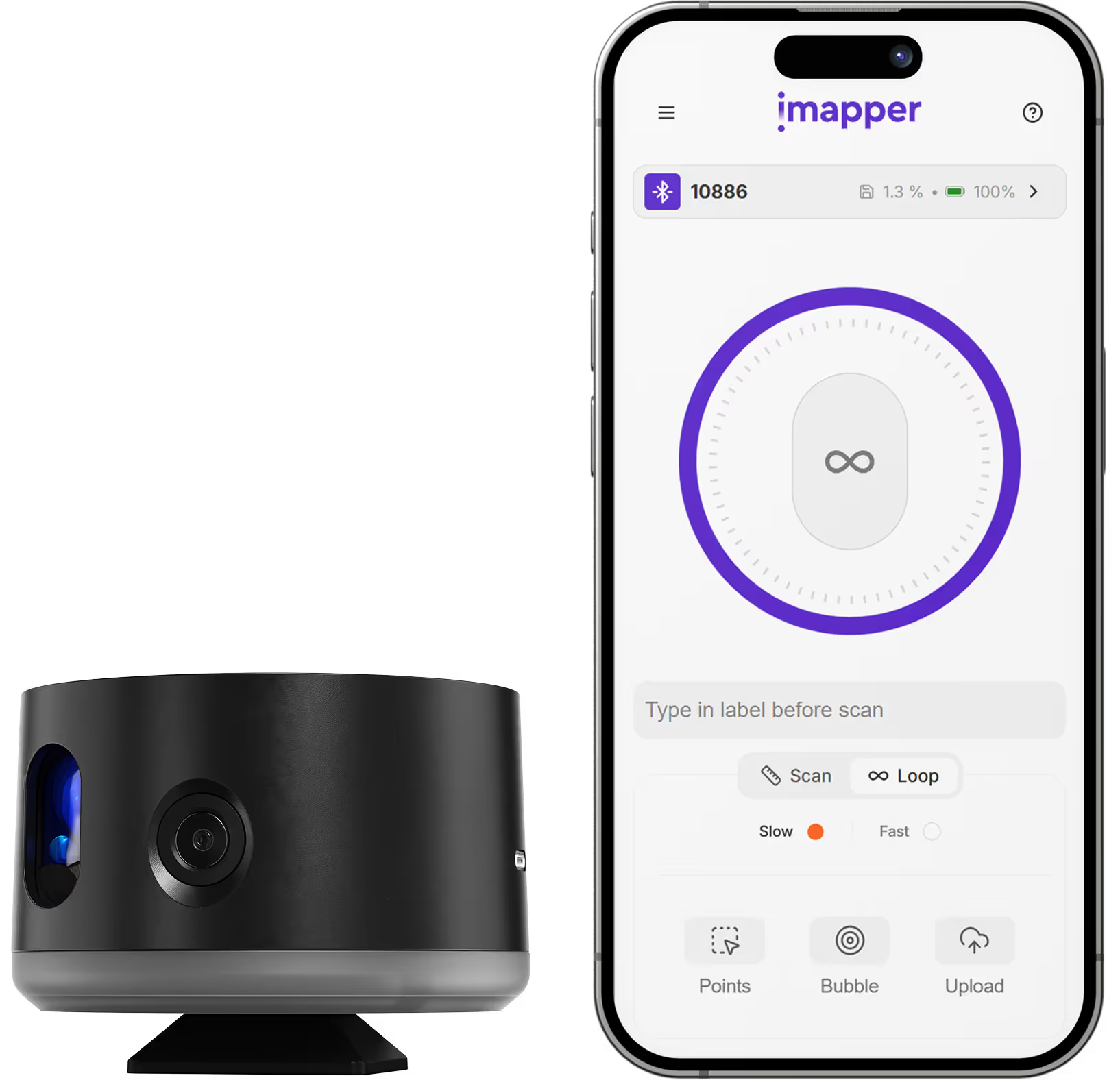
iMapper integrates with ArchiCAD to give architects millimeter-accurate room measurements ready for BIM modeling and renovation drawings. Place the iMapper scanner in the room, press once, and walk away. Two to three minutes later you have the complete room geometry (walls, doors, windows, and recesses) captured at ±2mm (0.08 in) precision, with 10 portrait reference photos attached to the scan. Export an IFC file from the iMapper platform and import it into ArchiCAD: walls, openings, and room geometry appear as native BIM objects, ready to model on top of. If you prefer a 2D workflow, the same scan can also be exported as DXF and placed as an external drawing for tracing. Either way, your ArchiCAD project starts from the real building, not from memory.
Export the scan as IFC and open it with File > Interoperability > Merge. Walls, openings, and room geometry appear as native ArchiCAD objects on dedicated layers, ready for immediate BIM work. No tracing, no manual reconstruction.
iMapper captures 1,200+ points per minute with ±2mm (0.08 in) precision. Every wall length, door opening, and recess is recorded exactly, so the model you build in ArchiCAD matches the room that was actually there.
The same scan can also be exported as DXF for projects that start from a plan view. Point clouds, polylines, areas, and iMapper positions come through on separate layers, ready to trace over in ArchiCAD.
For IFC: File > Interoperability > Merge, select the IFC file, choose an IFC Translator, click Open. For DXF: File > External Content > Place External Drawing, select the .dxf file, confirm units.
IFC geometry comes in as native ArchiCAD walls and openings, placed on their own layers. DXF elements come in as reference points and lines. We recommend locking the iMapper layers and creating new layers for your own drawing work.
Every scan includes 10 portrait reference photos linked to the scan position. If a dimension or detail is unclear in the model, open the photos directly from platform.imapper.tech. No site revisit needed.
Capture existing conditions before design begins. Import walls via IFC to start your ArchiCAD project on accurate as-built geometry.
Document heritage buildings with millimeter accuracy. Point clouds reveal structural details that tape measures miss.
Create accurate BIM records of completed work for handover, facility management, or BIMx presentations.
Base drawings with precise room geometry for space planning and interior projects in ArchiCAD.




















.png)
.png)
.png)
.png)




.png)
.png)
.png)