

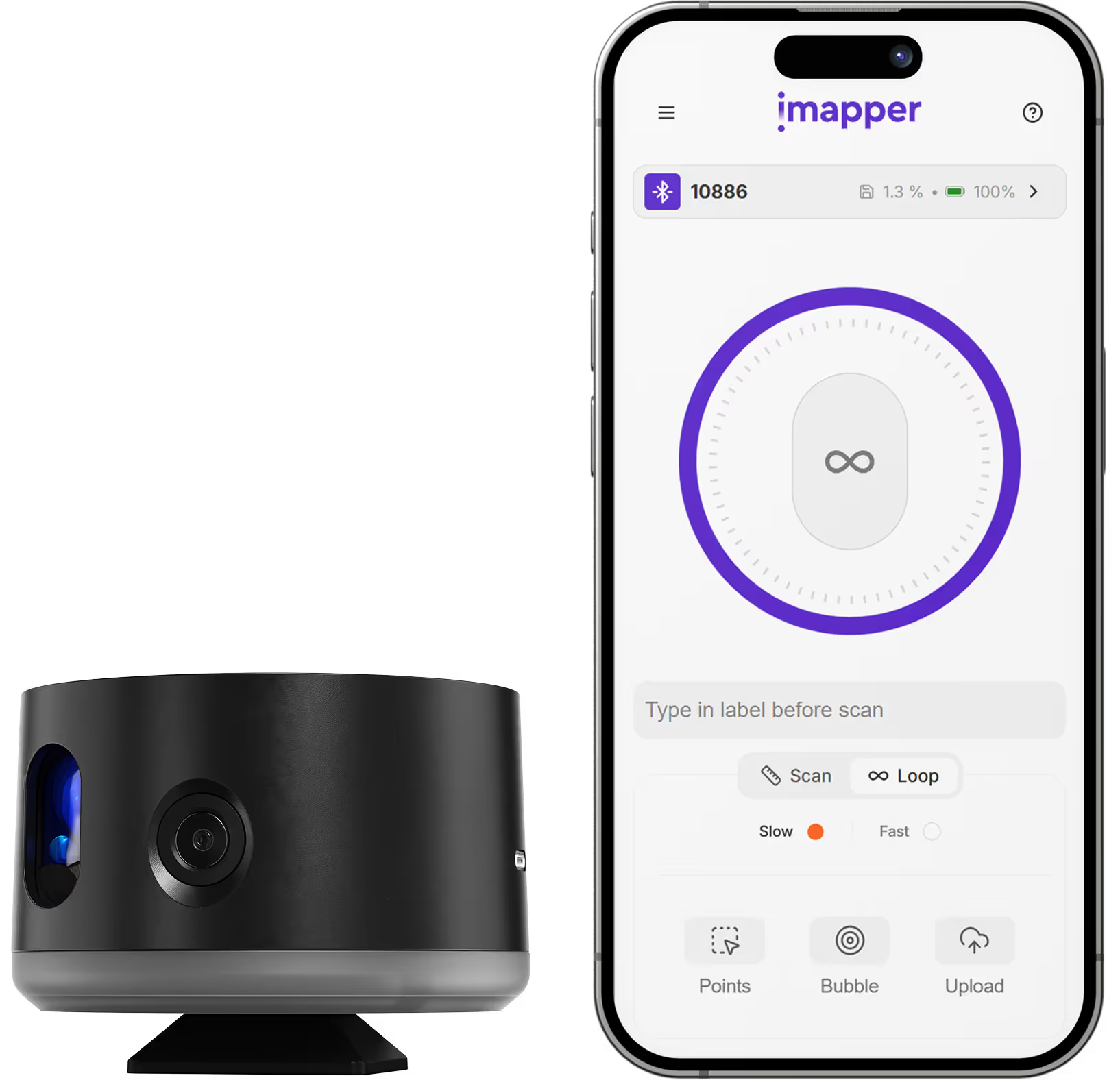
iMapper integrates with InSitu, the design and sales software edited by Transtechnology and used by the biggest French kitchen, bathroom, and wardrobe retailers (Cuisinella, Cuisine Plus, Ixina, Lapeyre, Mobalpa, Perene, Schmidt, SoCooC) along with more than a thousand independent professionals. Using iMapper's laser scanner (±2mm precision), you capture complete room geometry (walls, windows, doors, and irregular surfaces) in under 3 minutes per room. The iMapper platform exports a dedicated TXT file formatted specifically for InSitu's Liste d'article import, so room data lands in InSitu with no plugin, no conversion, and none of the manual tape-measure transcription that usually eats thirty to sixty minutes per project. Every measurement includes 10 portrait reference photos for verifying outlet positions, pipe locations, and obstruction clearances from your desk rather than from a second site visit.
iMapper exports a TXT file formatted specifically for InSitu's Liste d'article import. No plugin, no conversion, no third-party tool. The room data flows directly into InSitu, ready for cabinets, fixtures, and wardrobe elements from any of the 150+ manufacturer catalogs InSitu supports.
InSitu's strength is what comes after the design: photorealistic renderings, 360° panoramas, VR immersion on META Quest 2 and 3, and a complete dossier de pose for the installer. All of it depends on the room being right. iMapper's ±2mm laser accuracy means cabinets fit the real world, the VR walkthrough matches the space the client is standing in, and your installer gets dimensions they can trust.
Outlet positions, pipe runs, beam clearances, existing obstructions. Verify every detail from 10 portrait reference photos on the iMapper platform without returning to site.
In InSitu, open the Import menu and select Liste d'article to load the iMapper TXT file. The room data arrives directly in your scene, with no plugin and no conversion step.
Place cabinets, bathroom fixtures, wardrobes, or office furniture from InSitu's 150+ manufacturer catalogs on top of real room dimensions. Automatic linear placement, plan de travail layouts, and tile schemes all run on the actual geometry instead of approximations.
Need to check an outlet position, a pipe run, or the exact width of a recess before finalizing a cabinet run or a VR walkthrough? Cross-reference the 10 portrait reference photos captured during the scan. No site revisit needed.
Capture existing kitchen dimensions for accurate cabinet layout, island placement, and plan de travail planning before a single cut is made. The TXT arrives in InSitu ready for cabinet catalogs from Cuisinella, Mobalpa, Schmidt, SoCooC, Perene, and the other brands InSitu supports.
Vanities, showers, tubs, tile layouts, and natural stone surfaces all depend on exact wall lengths, window sills, and recess depths. iMapper captures every detail in one scan, so the InSitu design matches the real bathroom down to the millimeter.
Built-in wardrobes and closet systems fail when walls are not square, and most walls are not square. iMapper records the real geometry so InSitu's linear placement automation and assistants for sliding doors and verrières produce a design that actually fits.
Office fit-outs, retail showrooms, and communal-space projects all benefit from accurate as-built measurements. InSitu handles the design, the catalog pricing, and the client-facing renderings; iMapper handles the ground truth underneath.





















.png)
.png)
.png)
.png)




.png)
.png)
.png)