

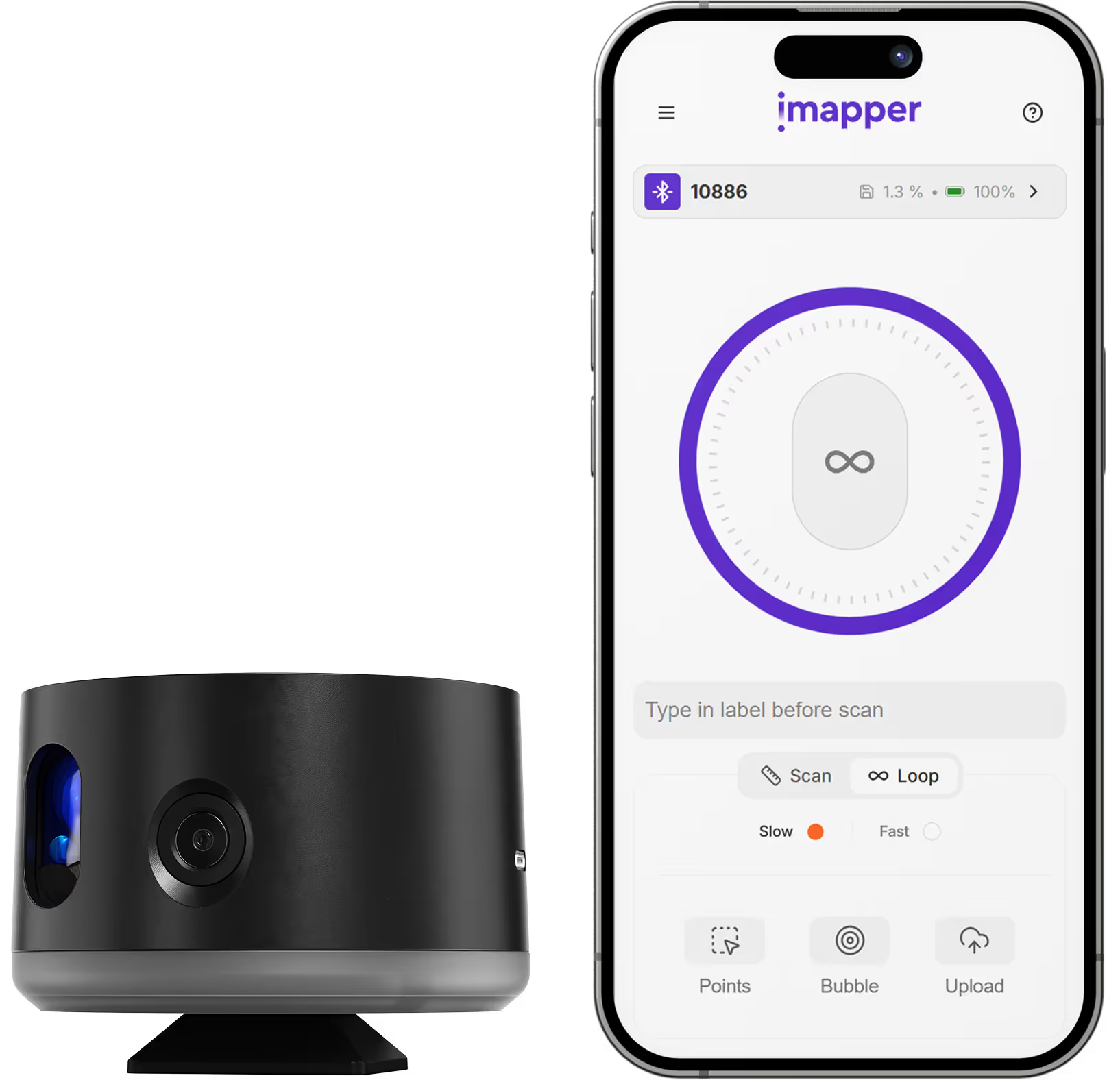
iMapper integrates with Revit to give architects and BIM professionals millimeter-accurate room measurements ready for building information modeling. Using iMapper's laser scanner (±2mm precision), you capture complete room geometry—walls, windows, doors, and irregular surfaces—in under 3 minutes per room. The iMapper platform exports DXF files that import into Revit via Insert > Import CAD. Unlike tape measures or expensive 3D scanning stations (iMapper costs a fraction of heavy scanning alternatives), iMapper delivers BIM-reference data without manual transcription. Every measurement includes 360° reference photos for verifying details.
iMapper's laser captures 1,200+ points per minute with ±2mm precision. Dimensions in Revit match reality exactly—no site revisits for missed measurements.
Scan a room in 3 minutes. Upload in 2 minutes. Export and import in 5 minutes. Traditional surveys take 2-3 hours for the same result.
iMapper costs a fraction of heavy 3D scanning equipment. Professional accuracy without enterprise pricing.
Go to Insert > Import CAD > select your .dxf file. Set import units to match your export settings. iMapper data appears as an imported CAD reference.
Use the imported DXF as an underlay to trace walls, place doors and windows, and build your Revit model on accurate as-built geometry.
Uncertain about a detail? Cross-reference the 360° photos captured during scanning—no site revisit needed.
Capture existing room conditions before design begins. Use DXF reference to build accurate as-built Revit models.
Create accurate BIM records of completed work for handover or facility management.
Document heritage buildings with millimeter accuracy for careful renovation planning in Revit.
Accurate room dimensions for space management and maintenance planning in Revit.





















.png)
.png)
.png)
.png)




.png)
.png)
.png)